Colorize Black & White Photos with AI for Free
Bring old black and white photos back to life. Our free AI colorization tool adds realistic, vivid color in seconds — no sign-up, no watermark.
- Realistic AI color
- Fully automatic
- No quality loss
- 100% Free
What Is AI Photo Colorization?
UpdatedAI photo colorization is the process of using deep learning algorithms to automatically add realistic color to black and white or grayscale photographs. The AI analyzes each region of the image — skin, sky, foliage, clothing, architecture — and assigns contextually accurate colors based on patterns learned from millions of real photographs, producing results that are indistinguishable from an original color photo in under 10 seconds.
Before AI, colorizing a single photograph manually in Photoshop required hours of painting each layer by hand. ImgGen AI Colorize Image automates the entire process: upload any black and white photo and download a full-resolution colorized result — no editing skills, no software, and no cost.
Modern AI colorization models are trained on tens of millions of photographs and achieve high accuracy on common subjects including faces, sky, vegetation, and architecture. The technique is now used for digitizing historical archives, restoring family photos, and creative projects at scale.
AI Colorization That Looks Real
Context-aware color, fully automatic processing, and full-resolution output — no settings required.
Realistic AI Colorization
AI analyzes context, lighting, and content to apply historically accurate, natural-looking colors — not just tinted grays.
Fully Automatic
No settings, no sliders, no manual work. Upload your photo and the AI handles everything — color analysis, assignment, and output — in under 10 seconds.
Portraits, Landscapes & More
Works on historical photos, family portraits, street scenes, and landscapes — any black and white image gets full, rich color.
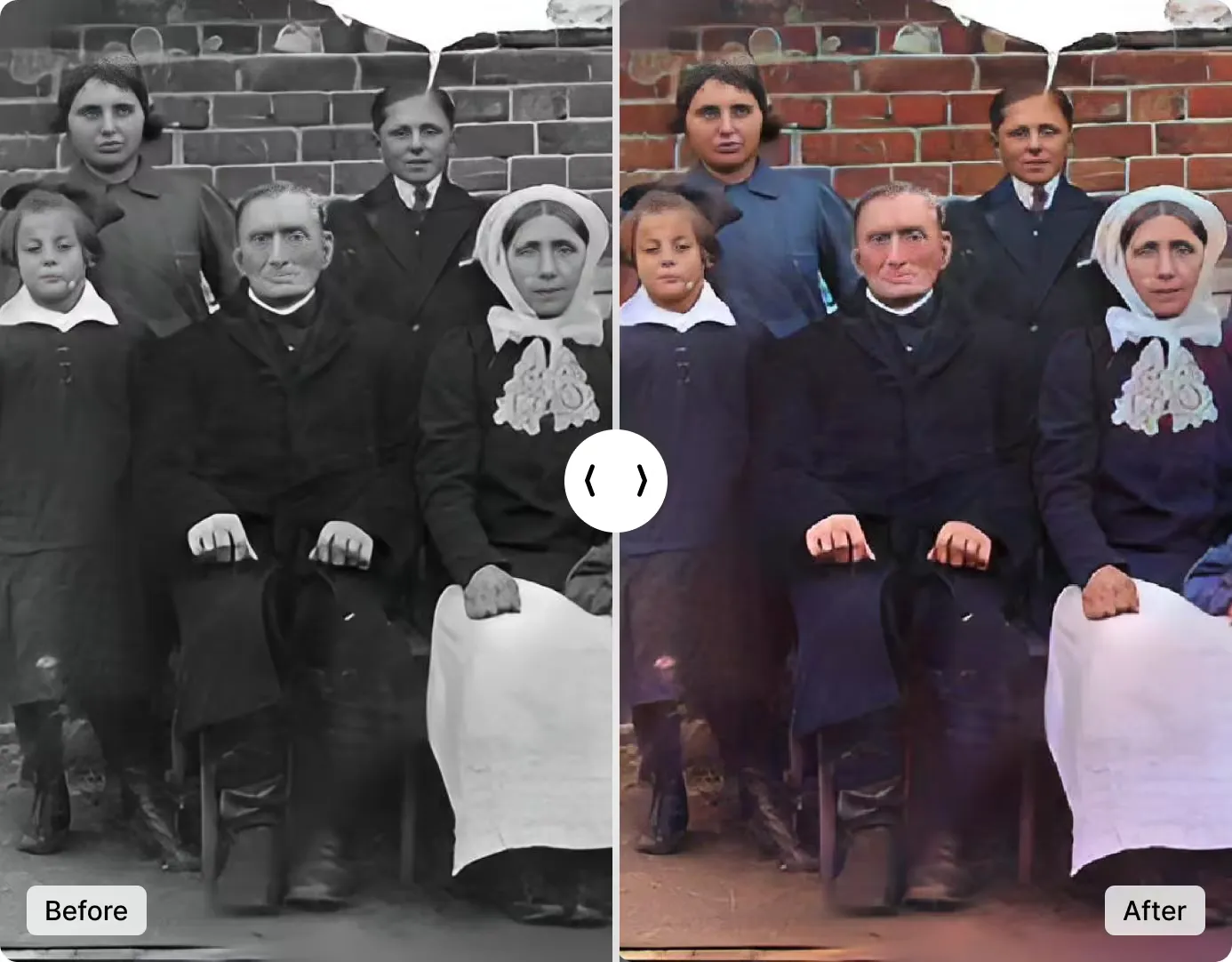
Bring History to Life with Realistic Color
ImgGen's AI analyzes context, lighting, and composition to assign accurate, natural-looking colors — not just tinted grays. Every portrait, street scene, and landscape gets color that feels like it was always there.
Upload any black and white photo — from old family albums to historical archives — and get a full-color result in seconds. No Photoshop, no hand-painting, no skill required.
Colorize ImageAI Colorization vs. Photoshop: Which Is Better?
AI colorization and manual Photoshop painting serve different needs. Here is a direct comparison.
| Feature | ImgGen AI Colorize | Photoshop (Manual) |
|---|---|---|
| Time to colorize one photo | Under 10 seconds | 2 to 8 hours |
| Skill required | None | Advanced (layers, masks, blending modes) |
| Cost | Free | $20.99/month (Adobe subscription) |
| Color accuracy | Context-aware AI (natural results on most photos) | Highest (full manual control) |
| Batch colorization | Yes (via API) | Scripting only |
| Works on phone | Yes (browser-based) | Limited (mobile app) |
| Best for | Family photos, historical archives, everyday colorization | Professional restoration requiring pixel-level precision |
For the vast majority of users — colorizing family albums, old portraits, historical images, or social media content — AI colorization is the faster, cheaper, and more practical choice. Professional archivists doing museum-quality restoration may still prefer Photoshop for its manual precision.
Tips for the Best AI Colorization Results
Follow these steps to get the most realistic and accurate colorized output from any black and white photo.
Use high-contrast originals
Black and white photos with clear tonal separation between subjects and backgrounds produce significantly better results. If your photo looks flat or foggy, increase its contrast slightly before uploading.
Restore damage first
If your photo has scratches, tears, or water stains, run it through ImgGen's Image Restoration tool first. The colorization AI performs better on clean, undamaged images — restoration improves color accuracy across the board.
Upload full-resolution scans
The AI works pixel-by-pixel. A higher resolution source image gives the model more detail to work with, resulting in sharper color edges and more accurate color boundaries. Avoid compressed, low-resolution copies.
Check the result before downloading
After colorization, zoom into key areas — particularly faces, clothing, and sky. The AI handles everything automatically, so if a result looks off, try re-uploading a higher-contrast or higher-resolution version of the original.
Upscale after colorizing
If your source photo is small or low-resolution, colorize it first, then run the result through ImgGen's AI Image Upscaler. Upscaling a colorized image produces sharper, print-ready results than colorizing an upscaled image.
Colorization API for Developers
Integrate ImgGen's Colorize API into any photo app, archive pipeline, or creative tool. Send an image URL and a color style; get back a full-color PNG in one REST call — results in under 10 seconds.
The API handles colorization server-side — no CV library required. Suitable for batch processing historical archives, newspaper digitization pipelines, or real-time colorization in mobile apps.
Get API KeyHow Accurate Is AI Photo Colorization?
AI colorization is highly accurate for common subjects — skin tones, blue sky, green foliage, grey concrete, and wooden surfaces. It performs best on photos where the color of each element is strongly predictable from context.
The AI model assigns the most statistically probable color to each image region based on patterns learned from millions of photographs. For most everyday scenes, this produces realistic, convincing results that are indistinguishable from the original color photo.
For rare or historically specific subjects — unusual clothing colors, exotic flora, or images where the historically correct color is counter-intuitive — results may differ from the true original color. For archival and museum-quality restoration, reviewing the AI output is always recommended.
Where AI Colorization Excels vs. Its Limits
How to Colorize a Black and White Photo in 3 Steps
From upload to download in under 60 seconds — no account, no software to install.
Upload Your Photo
Drop your black and white photo or click to upload. Supports JPEG, PNG, and WEBP up to 10 MB — portraits, historical photos, and landscapes all work.
AI Colorizes Automatically
The AI analyzes your image and applies realistic, context-aware color in under 10 seconds — no settings to adjust, no manual work required.
Download Full-Res Result
Download your colorized photo in full resolution. No watermark, no sign-up, ready to share, print, or use in any project.
What Photos Can You Colorize?
ImgGen AI colorizes a wide range of black and white photo types — from old family portraits to historical archives and landscape photography.
Old Family Photos
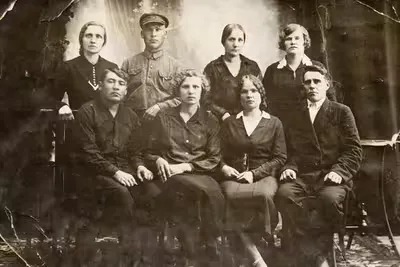
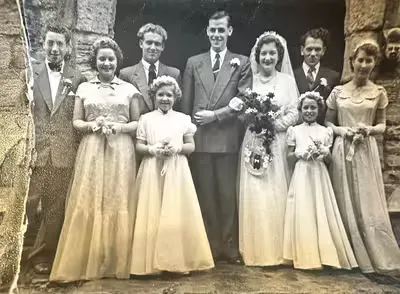
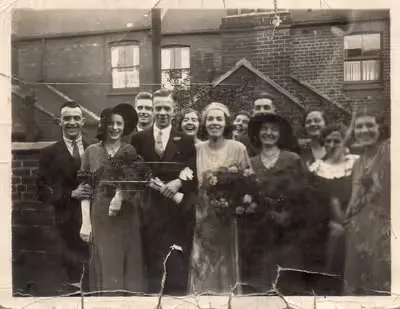
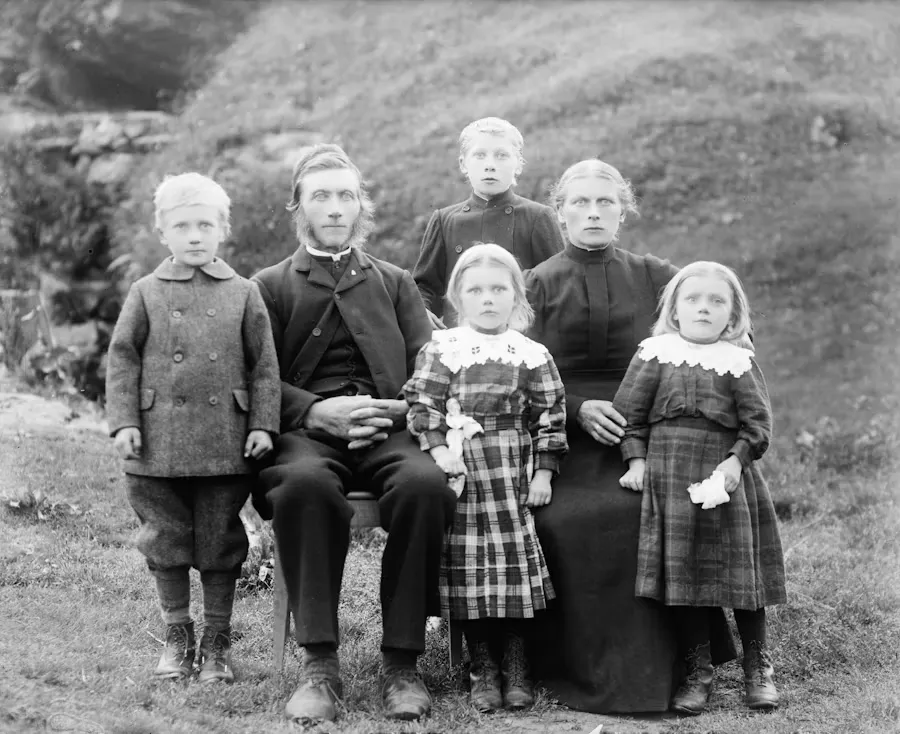
Bring decades-old black and white family portraits and snapshots back to life with natural, warm colors. Perfect for anniversaries, memorial books, and digital preservation of family history.
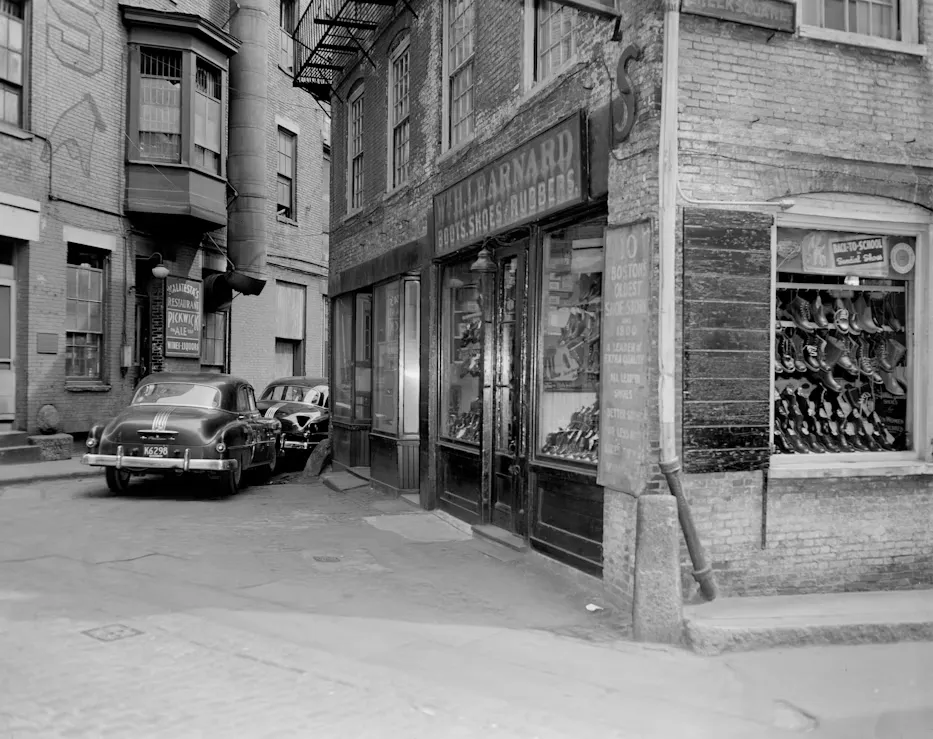
Historical Photos
Add realistic color to historical black and white photographs — wartime photos, city archives, vintage street scenes, and political portraits. Bring history to life for educational projects and exhibitions.
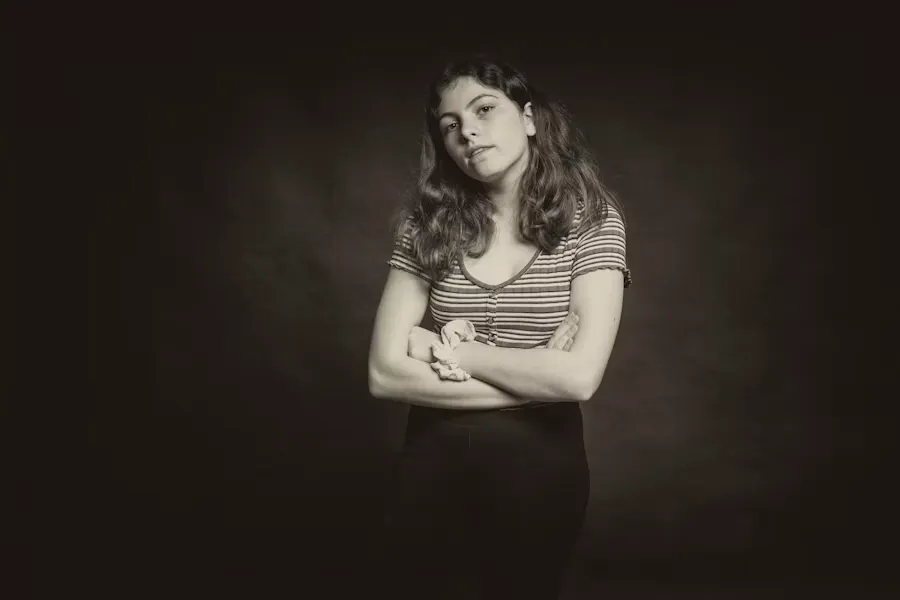
Portrait Photography
Colorize black and white portrait photos with warm, skin-optimized tones that make faces look natural and lifelike. Great for restoring old professional headshots or studio portraits.
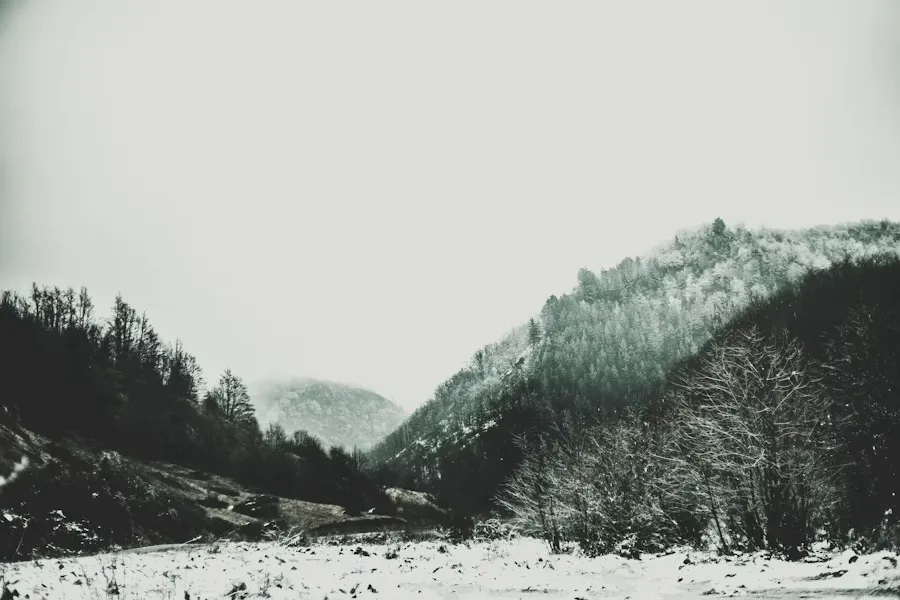
Landscape & Nature
Colorize black and white landscape and nature photos with rich, vivid color. Sky becomes blue, grass turns green, and sunsets glow — the AI uses contextual color science to make every scene look real.
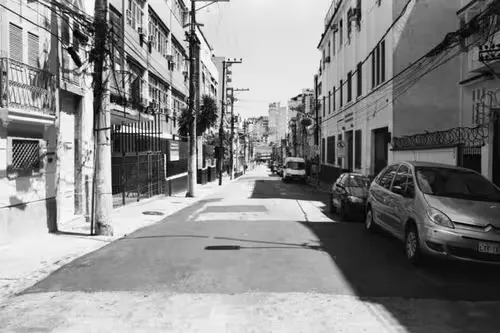
Street & Urban Photography
Transform black and white street and urban photography into vivid color images. Architecture, signs, vehicles, and people all receive contextually accurate color based on the era and setting of the photo.
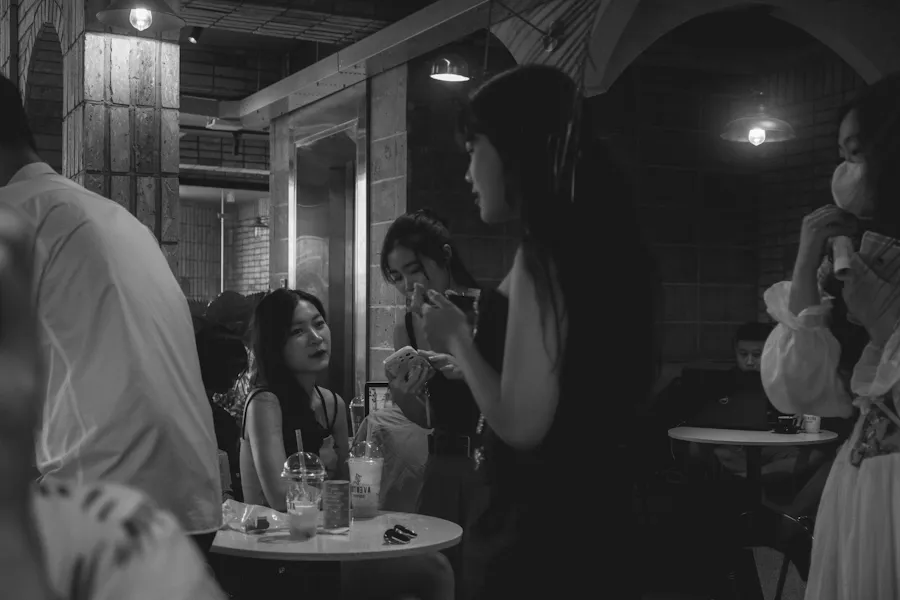
Film Stills & Creative
Colorize vintage film stills, creative black and white photography, and artistic images — a film-grade teal-orange color grade gives photos a professional cinema look.