Why Choose ImgGen's AI Image Sharpener?
Everything you need to fix blur, recover detail, and make every photo look sharp and professional — automatically.
Fix Out-of-Focus Photos
Rescue blurry shots effortlessly. Advanced AI corrects focus issues without introducing artifacts or halos.
Boost Image Clarity
Elevate image quality with one click. Our AI sharpener brings out hidden details in low-resolution photos.
Secure Photo Processing
Your privacy matters. All uploaded images are processed securely and automatically deleted within 24 hours.
Batch Sharpening
Sharpen up to 20 images at once. Upload a batch and download all enhanced results in a single ZIP file.
No Watermarks, Ever
Every sharpened image is yours to use commercially — no watermark, no branding, no restrictions.
Works on Any Device
Sharpen images from your phone, tablet, or desktop. No app download needed — it runs entirely in your browser.
How AI Image Sharpening Works
AI image sharpening uses deep-learning neural networks— typically convolutional neural networks (CNNs) or transformer-based architectures — to analyze a blurry or low-resolution image, predict what the missing detail should look like, and reconstruct sharp edges, textures, and fine features that traditional sharpening cannot recover.
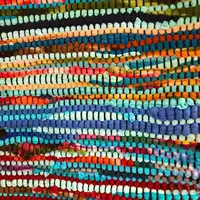
Unlike conventional unsharp masking, which amplifies existing edge contrast and often introduces halos or noise, AI sharpening models are trained on millions of sharp–blurry image pairs. This training enables them to distinguish genuine detail from noise and to reconstruct plausible high-frequency information — such as individual hair strands, fabric weaves, or text characters — that was never visible in the original image.
ImgGen's sharpener processes images in three stages: 1) blur detection — the AI identifies which regions are out-of-focus, motion-blurred, or pixelated; 2) detail reconstruction — the model predicts and restores missing texture and edge information; 3) artifact suppression — a refinement pass removes ringing, halos, and noise introduced during reconstruction.
The entire pipeline runs in under two seconds for a typical 12-megapixel image and produces results that are preferred over traditional sharpening filters by professional photographers in blind comparisons.
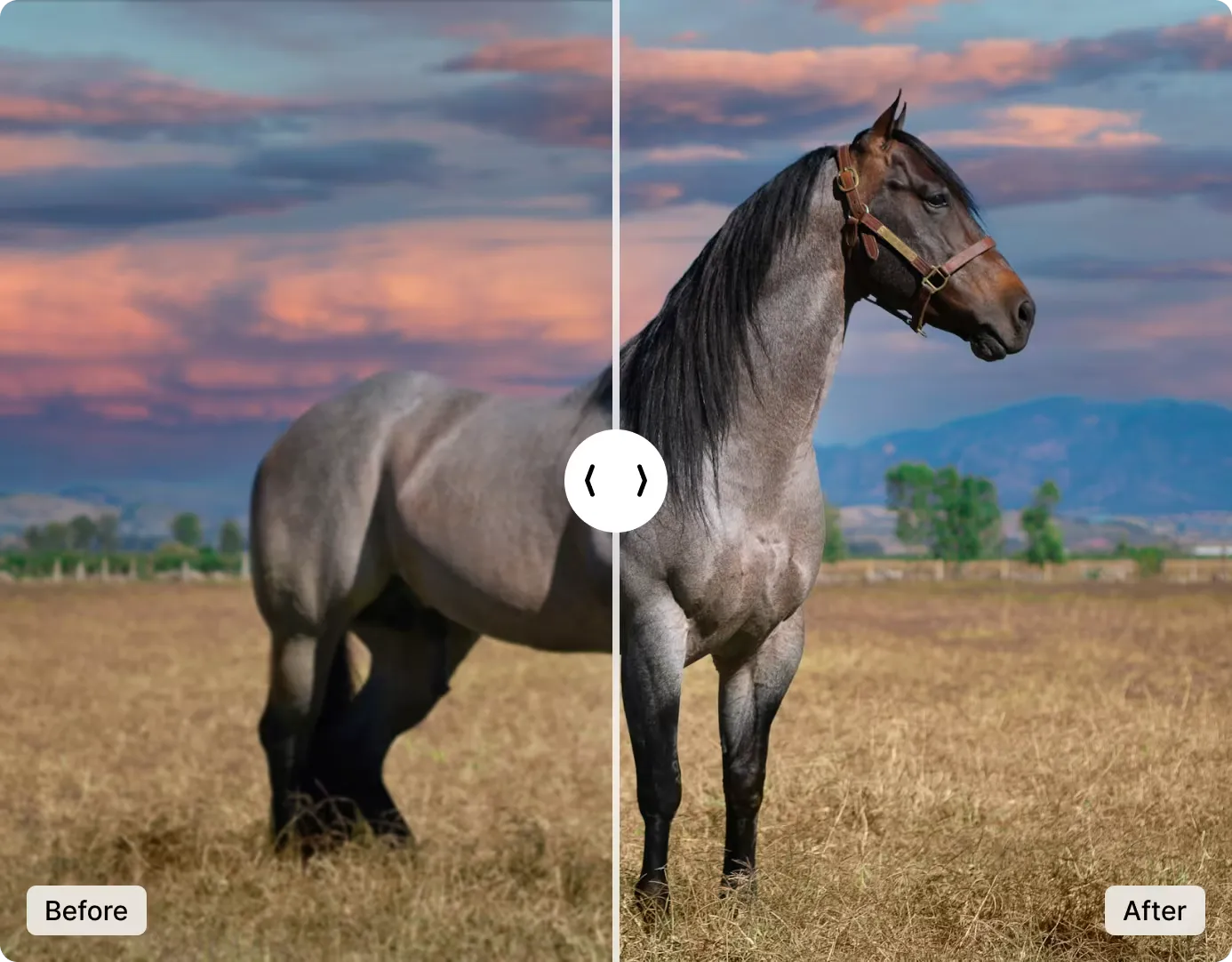
Enhance Image Clarity with AI Image Sharpener
No more blurry or unclear pictures. Our AI tool makes your photos look sharp and clear in just one click — no photo-editing skills needed. Just upload your image and the smart AI does all the work.
It finds the fuzzy parts and makes them crisp, so your photos look like a pro took them — even if they started out blurry or dark. Need even more resolution? Combine sharpening with our AI Image Upscaler for maximum detail.
Try it now and see how great your pictures can look.
Enhance ImageTurn Low-Res Images into Pro-Quality Shots
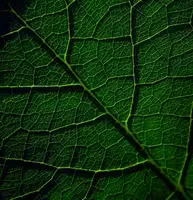
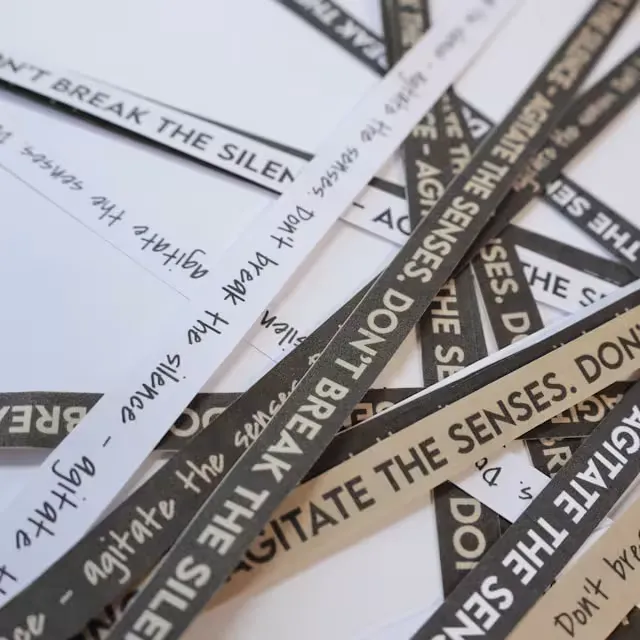
Transform out-of-focus shots into crisp masterpieces. Enhance fine details and textures, and make the text in your pictures razor-sharp and easy to read — bringing every photo to life.
From landscape vistas to document scans, achieve professional-grade clarity with just one click — no editing skills needed.
For portraits, pair sharpening with our AI Retouch Tool for studio-quality results.
Enhance Low-Res Photos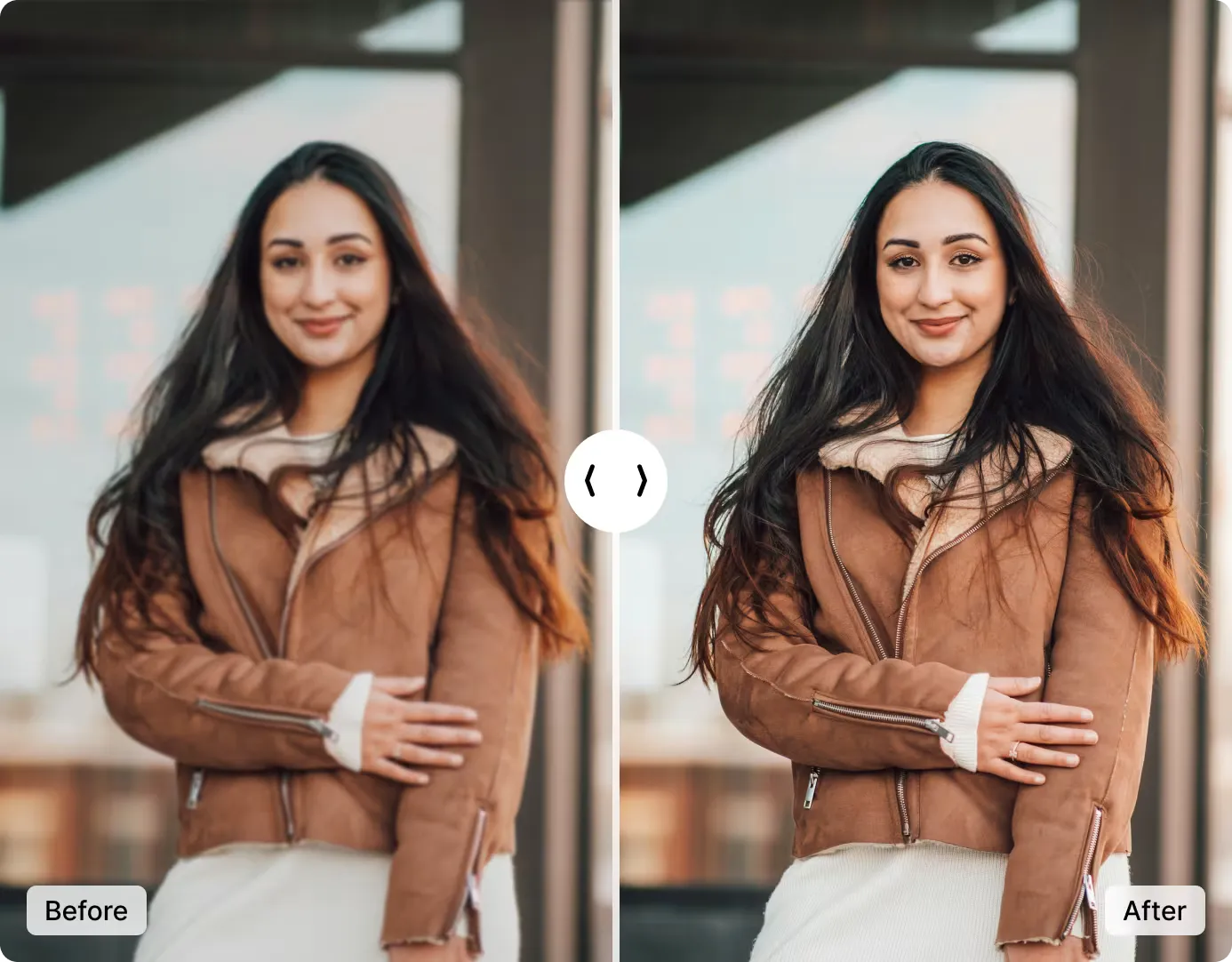
AI Image Sharpening vs. Traditional Sharpening
Traditional sharpening tools like Photoshop's Unsharp Mask increase edge contrast but cannot create new detail. AI sharpening reconstructs genuine information from learned patterns.
| Feature | AI Sharpening (ImgGen) | Unsharp Mask (Photoshop) | Smart Sharpen (Photoshop) |
|---|---|---|---|
| Creates new detail | Yes | No | No |
| Removes motion blur | Yes | No | Partially |
| Halo artifacts | None | Common | Reduced |
| Noise amplification | Suppressed | Yes | Moderate |
| Skill required | None | Intermediate | Advanced |
| Cost | Free | $22.99/mo | $22.99/mo |
| Processing time | < 10 seconds | Manual (minutes) | Manual (minutes) |
Who Uses AI Image Sharpening?
From photographers to e-commerce sellers, AI sharpening saves hours of manual editing across industries.
Photographers
Rescue slightly out-of-focus wedding, event, and portrait shots that would otherwise be unusable. Recover detail in low-light images without adding noise.
E-Commerce Sellers
Sharpen product photos to show fabric texture, stitching, and material detail that increases buyer confidence and reduces return rates.
Document & OCR Workflows
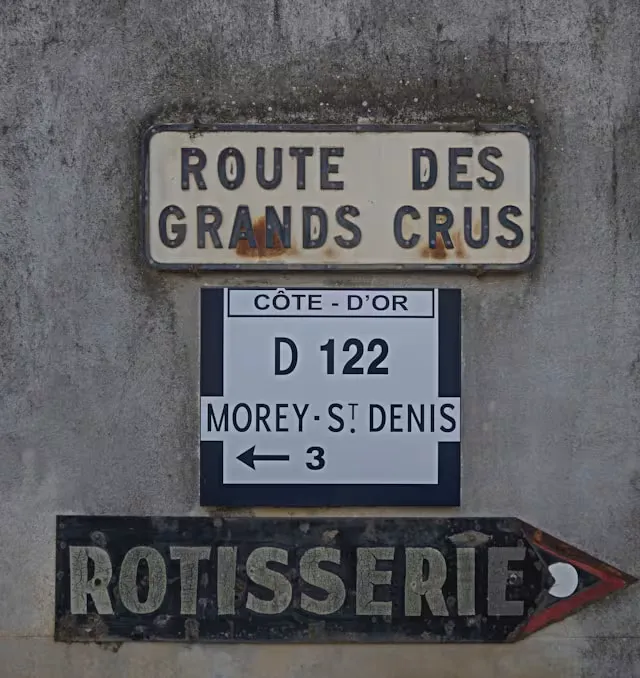
Make scanned documents, receipts, and signs razor-sharp so OCR engines extract text with near-perfect accuracy.
Real Estate Agents
Enhance property photos taken in poor lighting or with smartphone cameras to make listings look professional and inviting.
Social Media Creators
Sharpen photos and thumbnails before posting to Instagram, TikTok, or YouTube to stand out in crowded feeds.
Students & Researchers
Sharpen images of whiteboards, lecture slides, and research documents for clearer notes and better readability.
Supercharge Your App with the Image Sharpener API
Integrate ImgGen's AI Image Sharpener API for seamless, automatic clarity at scale. Remove blur, recover detail, and sharpen images for your users — ideal for photo apps, e-commerce platforms, and creative tools. API access starts at 5,000 calls/month on the Starter plan ($10/mo).
Get API KeyHow to Sharpen Your Images in 3 Easy Steps
Enhance your images to high resolution in just a few simple steps.
Upload Your Image
Upload your pixelated or blurry photo. Our AI tool supports JPG, PNG, JPEG, or WEBP files up to 10 MB.
Sharpen Image with AI
Watch as our advanced AI instantly sharpens your image, enhancing clarity and detail without any manual adjustments.
Download and Share
Get your crystal-clear image in seconds. Download in high resolution or share directly to your preferred platform.
More AI Image Editing Tools
Discover more AI-powered tools to enhance, upscale, and transform your photos.