What Is an AI Image Shadow Generator?
An AI image shadow generator is a tool that uses deep learning to automatically detect the subject of a photo and add a realistic shadow beneath or around it. It analyzes shape, implied light direction, and surface plane to produce natural-looking results — soft, drop, or long shadows — in seconds, with no manual editing required.
Before AI, adding a convincing shadow to a product photo required a photo studio with controlled lighting or hours of manual work in Photoshop using blur filters and blend modes. ImgGen AI Shadow Generator automates the entire process: upload any photo, choose a shadow style, and download a full-resolution result ready for e-commerce, social media, or marketing.
76%
2–8 hrs
3×
How Does AI Shadow Generation Work?
ImgGen uses a three-stage deep learning pipeline to produce shadows that are physically accurate — not just visually plausible.
Subject Detection & Segmentation
A semantic segmentation model isolates your subject from its background with pixel-level precision. This works on cut-out product images, portraits on any background, and objects on complex scenes — without any manual masking.
Light Source Analysis
The AI infers the implied light direction and intensity from the subject's existing highlights and shading. This ensures the generated shadow falls in the physically correct direction and has the right softness relative to implied distance.
Shadow Rendering & Blending
A generative model renders the shadow geometry — soft Gaussian blur for diffuse light, sharp edges for direct light, or elongated projection for long shadows — then composites it onto the surface plane with realistic opacity and falloff.
Why this matters for quality: Most browser-based shadow tools simply apply a CSS drop-shadow() filter — they ignore the subject's actual shape and can't differentiate between a product shot and a portrait. ImgGen's model is trained specifically on product and portrait photography, producing shadows with correct penumbra, falloff, and surface contact that match how light behaves in a real studio.
Perfect Shadows for Your Photos
From storefronts to social feeds, add depth that makes any subject feel grounded and real.
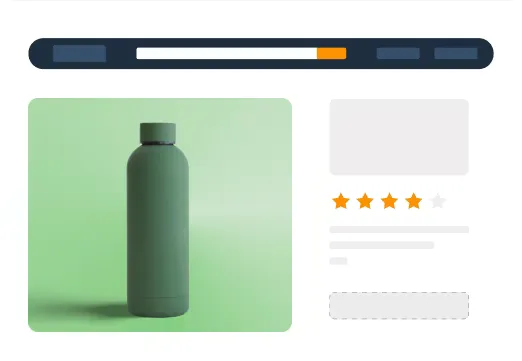
E-commerce Product Images
Add realistic ground shadows to product photos and make items stand out on Amazon, eBay, Shopify, or your own storefront. Products with professional shadows convert up to 3× better than flat renders — no photo studio required.

Social Media Posts
Elevate social media visuals with depth that stops the scroll. Add a soft or long shadow to any subject for Instagram carousels, Facebook ads, and Twitter/X posts — results in seconds, no design skills needed.
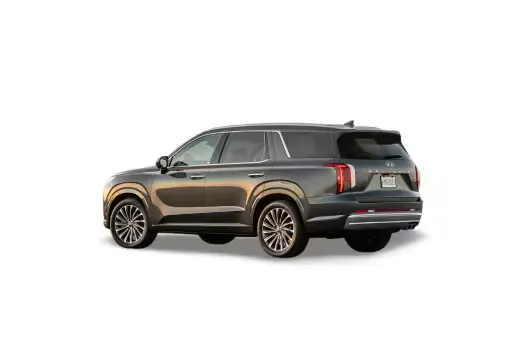
Professional Photography
Recreate studio lighting without a studio. ImgGen AI analyzes your subject's shape and implied light source, then casts a natural drop or soft shadow — perfect for portraits, real estate listings, and commercial product shoots.
AI Shadow Generator — Use Cases by Industry
Whether you sell jewelry on Etsy or list commercial real estate, consistent professional shadows boost how buyers perceive your images.
Jewelry & Accessories
Soft shadows add perceived weight to rings, bracelets, and earrings on white backgrounds — critical for luxury perception on Etsy and brand sites.
Best with: drop shadowFashion & Apparel
Ghost mannequin shots and flat-lays look grounded and editorial with a natural drop shadow beneath folded garments or packaged items.
Best with: soft shadowFood & Beverage
Long shadows give hero food shots a dramatic sun-drenched quality for restaurant menus, delivery apps, and brand campaigns.
Best with: long shadowBeauty & Cosmetics
Soft ground shadows make serums, compacts, and lip colors look premium and studio-lit for DTC brand pages and Amazon A+ content.
Best with: soft shadowFurniture & Home Décor
Realistic drop shadows make individual pieces look placed and grounded, fixing the 'floating product' problem common in catalogue renders.
Best with: drop shadowPackaging & D2C Brands
Clean drop shadows under packaging make unboxing shots, hero banners, and shelf renders look production-ready without a photo studio.
Best with: drop shadowEnhance your product photos with studio-quality shadows
Skip expensive photo studios with our free AI shadow tool. Create professional-looking images in seconds, perfect for e-commerce, real estate, and marketing.
Add crisp, realistic shadows that make your products stand out and attract more customers — all without needing any lighting skills.
Add Shadow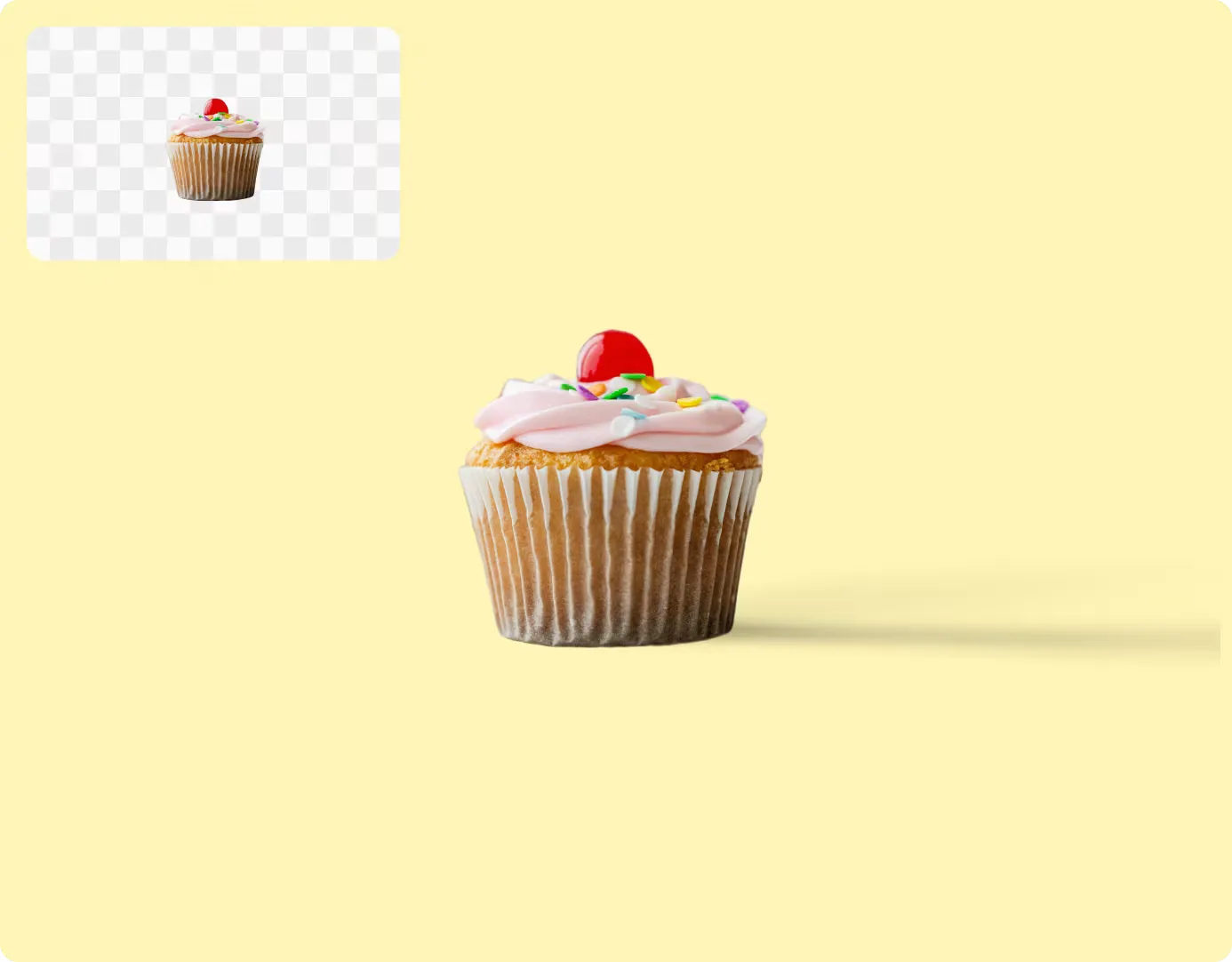
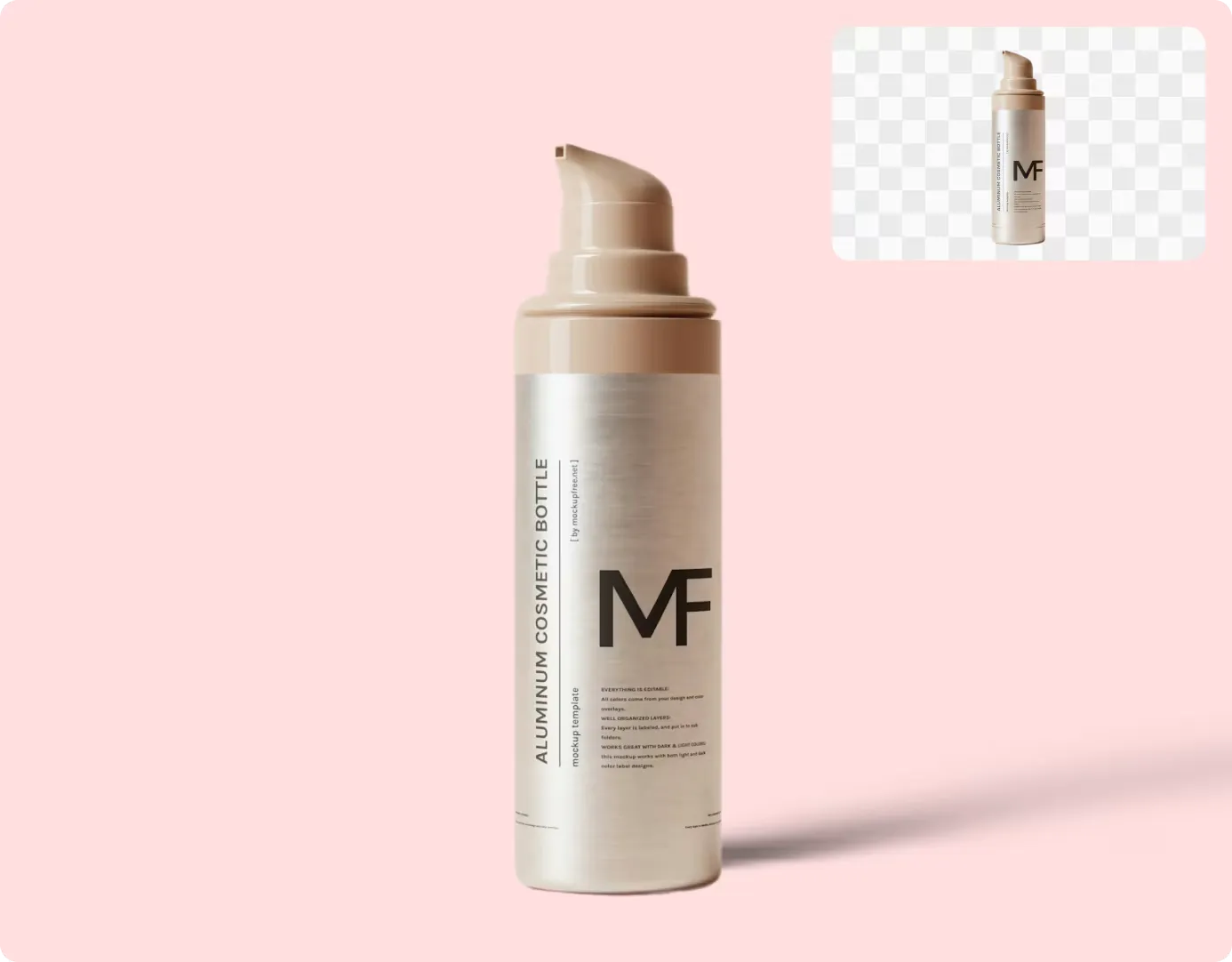
Realistic and Stunning Results
Forget complex edits to adjust shadows in photos. Enhance your photos easily with our powerful tool that adds beautiful shadows.
Create stunning depth and richness that will captivate your viewers. Transform your images in just a few clicks — try it today!
Add Shadow NowThree Shadow Styles — Full Creative Control
Choose the shadow that fits your image. Switch styles without re-uploading.
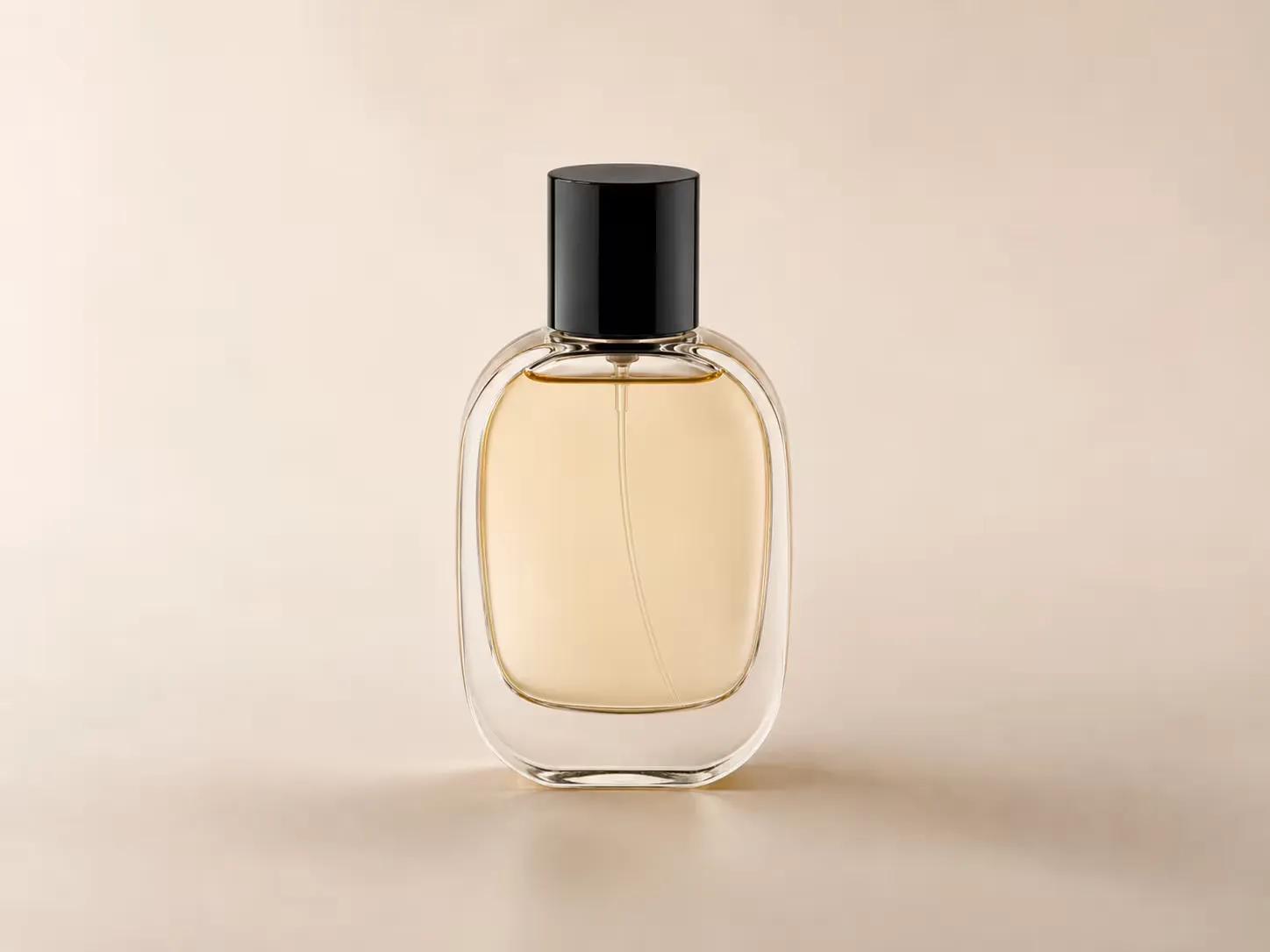
Soft Shadow
A natural, diffuse shadow that spreads gently beneath the subject. Ideal for product photography, portraits, and lifestyle shots where you want depth without drama.
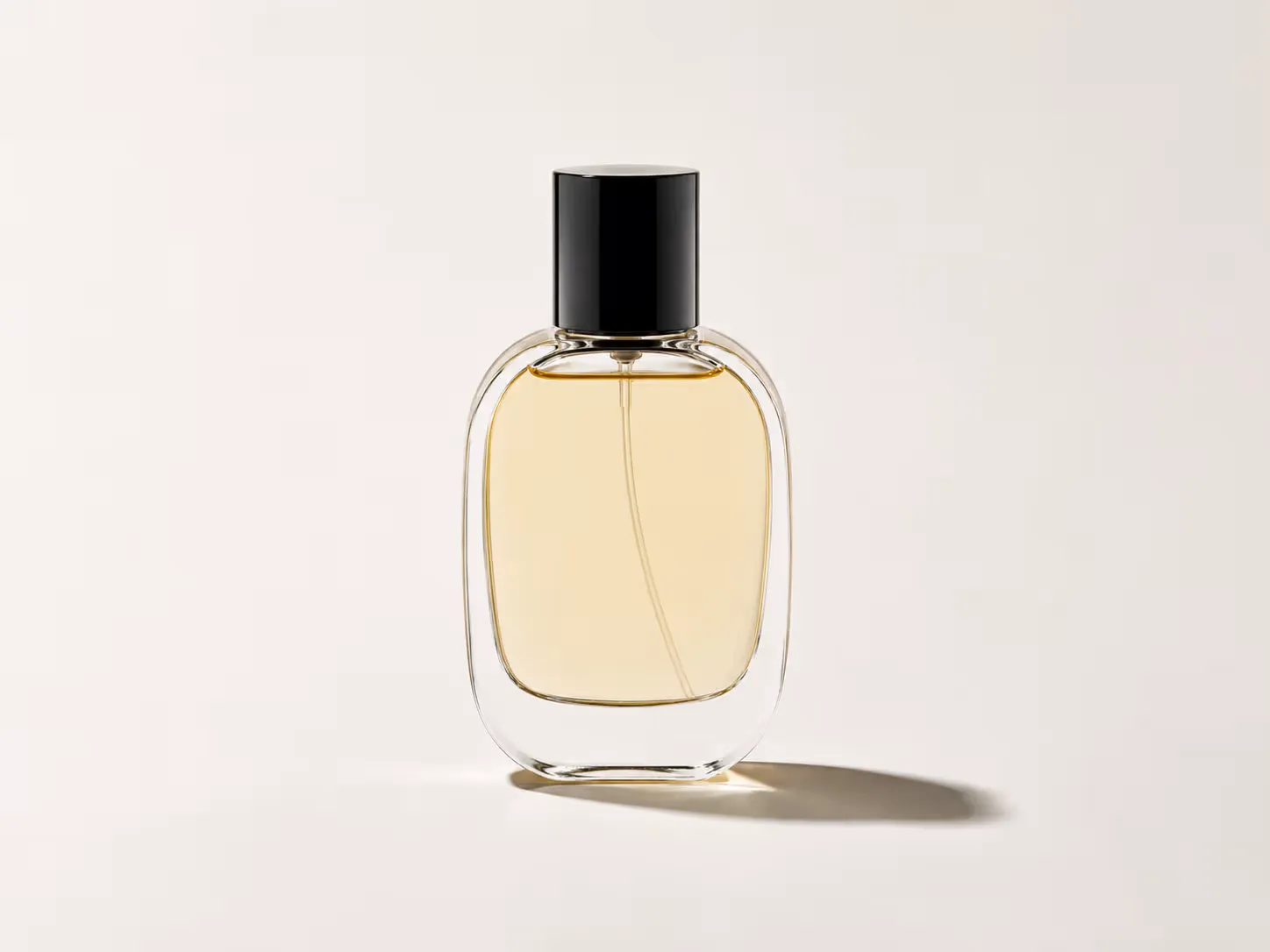
Drop Shadow
A sharp, defined shadow cast directly below or to the side of the subject. Perfect for flat-lay product shots, packaging, and designs that need a clean, grounded look.
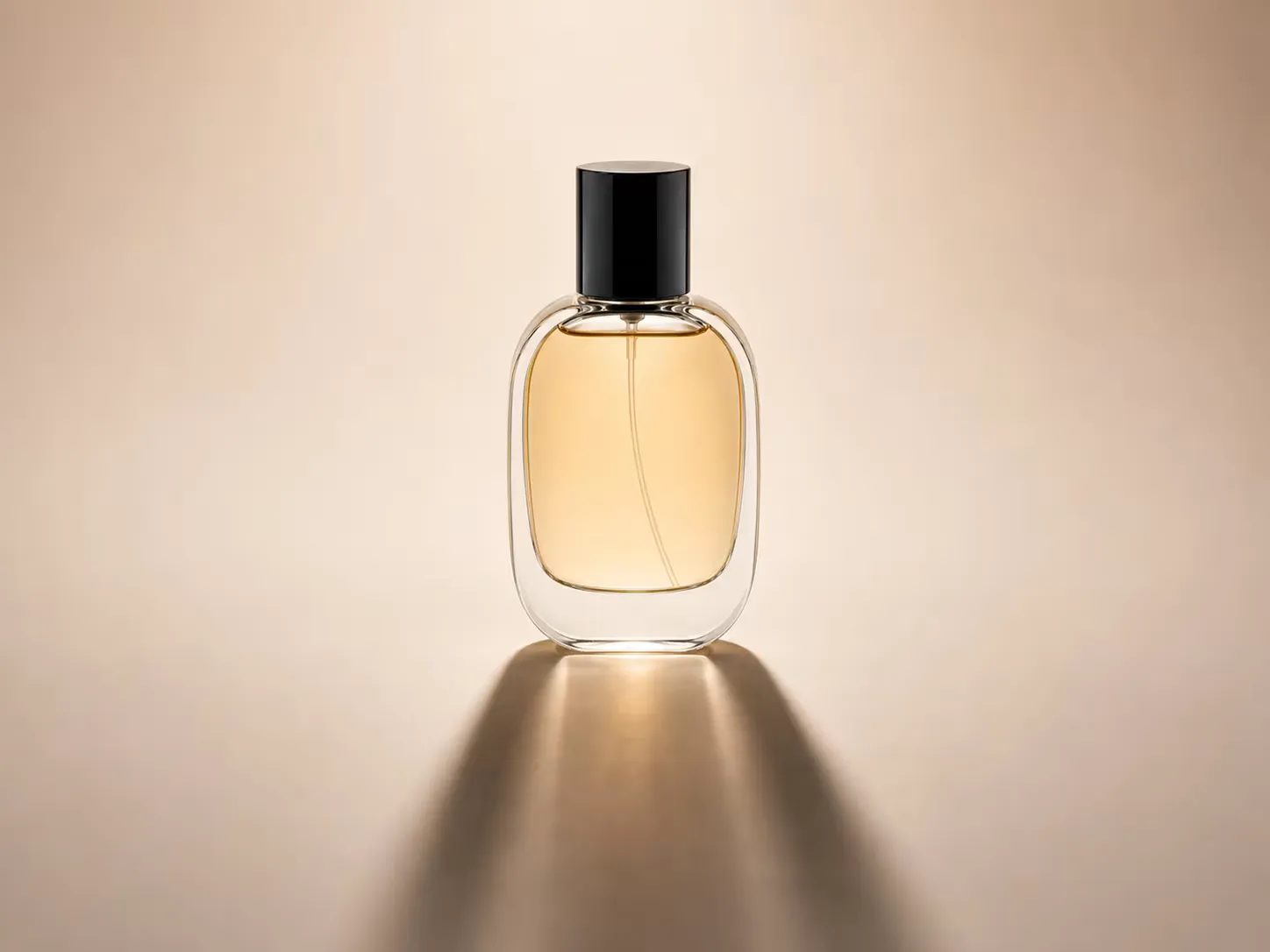
Long Shadow
A dramatic elongated shadow that stretches away from the subject. Great for hero images, bold creative compositions, and any shot that needs visual impact.
AI Shadow Generator vs. Photoshop: Which Should You Use?
AI shadow generation and manual Photoshop editing serve different needs. Here is a direct comparison to help you choose.
| Feature | ImgGen AI Shadow Generator | Photoshop (Manual) |
|---|---|---|
| Time to add shadow | < 10 seconds | 2–8 hours (blur + blend modes + masking) |
| Skill required | None — upload and click | Advanced (layers, masks, blend modes) |
| Cost | Free (no account needed) | $20.99/month Adobe subscription |
| Shadow styles | Soft, Drop, Long (one click each) | Unlimited — but manual setup per style |
| Output quality | High-res, no watermark | Highest (full manual control) |
| Batch processing | Yes (via API) | Scripting only (Actions) |
| Works on phone/tablet | Yes (browser-based) | Limited (mobile app) |
| Best for | E-commerce, social media, marketing at scale | Professional retouching requiring pixel-level control |
For most product photographers, marketers, and e-commerce sellers, AI shadow generation is the faster, cheaper, and more practical choice. Photoshop remains the better option only for professional retouchers who need pixel-level precision or custom lighting scenarios that don't fit a preset style.
Shadow Generator API for Developers
Integrate ImgGen's Shadow API into any product pipeline, e-commerce platform, or creative tool. Send an image URL and a shadow style; get back a high-quality PNG in one REST call.
The API handles shadow rendering server-side — no CV library required. Suitable for bulk product photo processing, automated listing pipelines, or real-time shadow effects in mobile apps.
Get API KeyHow to Add Shadows to Images
Add shadows to your images in just a few simple steps.
Upload Your Image
Drop your photo or click to upload. Supports JPG, JPEG, PNG, and WEBP up to 10 MB — product shots, portraits, and cut-out subjects all work.
AI Shadow Generation
The AI analyzes your image and automatically adds a realistic shadow. Choose Soft, Drop, or Long to match your creative direction.
Download Your Edited Image
Adjust shadow position, then download your finished image in full resolution. No watermark, no sign-up — ready to use immediately.
Tips for Getting the Best Shadow Results
AI shadow generation works best when given a clear subject. These tips consistently produce more realistic, studio-quality output.
Use a transparent or plain background
Images where the subject is already isolated (PNG with transparency, or a clean white/solid background) give the segmentation model the best starting point. The AI still works on complex backgrounds, but isolated subjects produce sharper shadow edges.
Choose the shadow style for your surface
Soft shadow = natural light, any surface. Drop shadow = high-key flat-lay or packaging. Long shadow = hero image with implied low-angle sunlight. Matching the style to the implied light source in your image gives the most realistic result.
Upload the highest-resolution version
Shadow quality scales with input resolution. A 3000×3000px product shot will produce a noticeably crisper shadow than an 800px thumbnail. Always upload the original file, not a compressed web export.
Adjust position after generation
After the AI generates the shadow, use the position controls to shift it left/right or forward/back. Moving the shadow slightly off-center (1–3° from perpendicular) makes product shots look more naturally lit and less AI-generated.
Is the AI Shadow Generator Free?
Yes — ImgGen AI Shadow Generator is completely free to use. Upload any JPG, PNG, or WEBP image up to 10 MB, select your shadow style (Soft, Drop, or Long), and download the result with no watermark and no account required. There are no hidden fees for the core shadow generation feature.
Pro and Enterprise plans are available for users who need unlimited daily generations, batch processing via the Shadow Generator API, and priority queue access. The free tier is unrestricted for individual use — no credit card required to start. If you need to remove an existing shadow before adding a new one, try our Background Remover or Retouch Photo tools first.
More Free AI Image Tools
Discover more free AI-powered tools to enhance your photos.