ImgGen AI Editorial Team
AI image processing experts at ImgGen AI ·
What Is an AI HD Photo Convertor?
An AI HD photo convertor is a tool that uses machine learning to boost a low-quality photo to high-definition quality. Unlike simple upscalers that stretch pixels and produce blurry results, an AI converter intelligently reconstructs edges, textures, and fine detail — producing output that looks like it was captured in HD from the start.
Low-resolution photos appear across old scans, social media downloads, product images, and compressed camera files. ImgGen's AI HD Photo Convertor boosts resolution to HD, Full HD, or 4K quality in seconds — upload your photo, pick your output level, and download a crisp result. For blurry images, try the AI Unblur Image tool. For pixelated photos, see the AI Unpixelate Image tool.
< 10s
3 levels
100% free
How to Convert a Photo to HD Online — Quick Answer
Go to imggen.ai/tools/hd-photo-convertor, upload your JPG, PNG, or WEBP (up to 10 MB), choose HD, Full HD, or 4K output, and download. No account needed. The AI reconstructs sharp detail in under 10 seconds — free, no watermark.
What Is HD Resolution? HD, Full HD, and 4K Explained
HD (High Definition) is 1280×720 pixels — the minimum standard for sharp, modern-looking images. Full HD is 1920×1080 pixels, the most common screen resolution today. 4K (Ultra HD) is 3840×2160 pixels — four times the pixel count of Full HD, used for large prints and 4K displays.
HD
1280 × 720
921,600 px
Web, social media, everyday sharing
Full HD (1080p)
1920 × 1080
2,073,600 px
Presentations, print, larger displays
4K (Ultra HD)
3840 × 2160
8,294,400 px
Large-format print, 4K screens, pro use
Why Are Photos Low Resolution? Common Causes
A photo is low resolution when it doesn't contain enough pixels for its display size — making it appear blurry, soft, or blocky when viewed on modern screens or printed large. The most common causes are camera sensor limitations, compression, or downscaling.
Small sensor / old phone camera
Budget and older phone cameras capture fewer megapixels, producing images that look sharp on the device but degrade when enlarged or displayed on modern screens.
JPEG compression
Social media platforms and messaging apps compress images before upload or delivery. WhatsApp, Instagram, and Facebook all reduce image quality significantly to save bandwidth.
Downscaling for the web
Designers and developers often resize images to smaller dimensions for faster page loads. The original high-res version is lost, leaving only a small, low-res copy.
Screenshot of a low-DPI display
Screenshots captured on older or budget displays have a fixed, low pixel density. Text and UI elements look sharp on the source screen but appear blurry at full size elsewhere.
Convert JPG, PNG, or WEBP to HD — All Formats Supported
ImgGen's AI HD Photo Converter works with every common image format. Upload your file and the AI handles the rest — no format conversion required before or after.
Convert JPG to HD
JPEG is the most common photo format but suffers from compression artifacts at low quality settings. Our AI enhances JPG files to HD quality while smoothing compression noise and recovering fine detail.
Best for: photos from cameras, social media downloads, email attachments
Convert PNG to HD
PNG images preserve transparency but can still be low resolution. Upscale PNG files to HD, Full HD, or 4K — the output retains any transparency layer while boosting pixel count and sharpness.
Best for: logos, UI screenshots, graphics with transparent backgrounds
Convert WEBP to HD
WEBP is the modern web format optimized for small file sizes. Convert WEBP images to HD quality for use in print, presentations, or any context where a larger, sharper version is needed.
Best for: images downloaded from websites, product shots, web exports
Turn Ordinary Photos into Crystal-Clear HD
Low-resolution photos lose their impact. Our AI HD converter boosts resolution and brings out sharp, lifelike detail.
Boost Resolution to HD
Low-resolution photos lose impact on modern screens. Our AI intelligently upscales pixel count while preserving natural texture — delivering true HD without the blurry look of simple upscaling.
Reconstruct Sharp Edges
Our advanced AI doesn't just upscale — it intelligently reconstructs edges, textures, and fine details to deliver true high-definition quality.
HD Quality in One Click
No sliders, no manual settings. Upload your low-quality photo and the AI delivers stunning HD results in seconds — completely free, no watermark, no sign-up.
Turn Blurry Photos into HD with One Click
Low-resolution photos lose their impact on modern screens. Our AI HD converter boosts resolution and brings out sharp, lifelike detail that makes every image look professionally captured.
Perfect for old photos, social posts, prints, and product shots — get HD quality without expensive cameras or editing software.
Convert to HD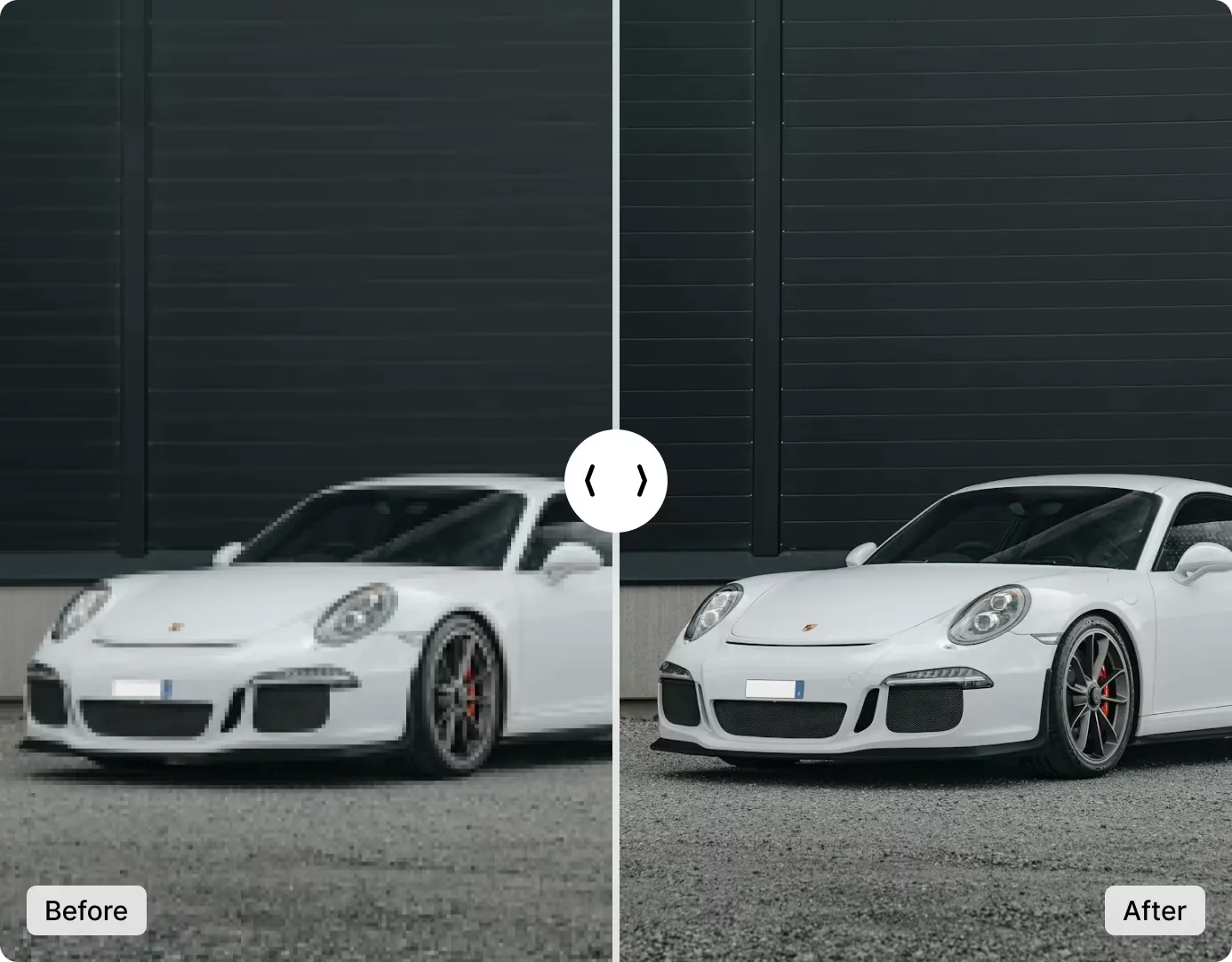
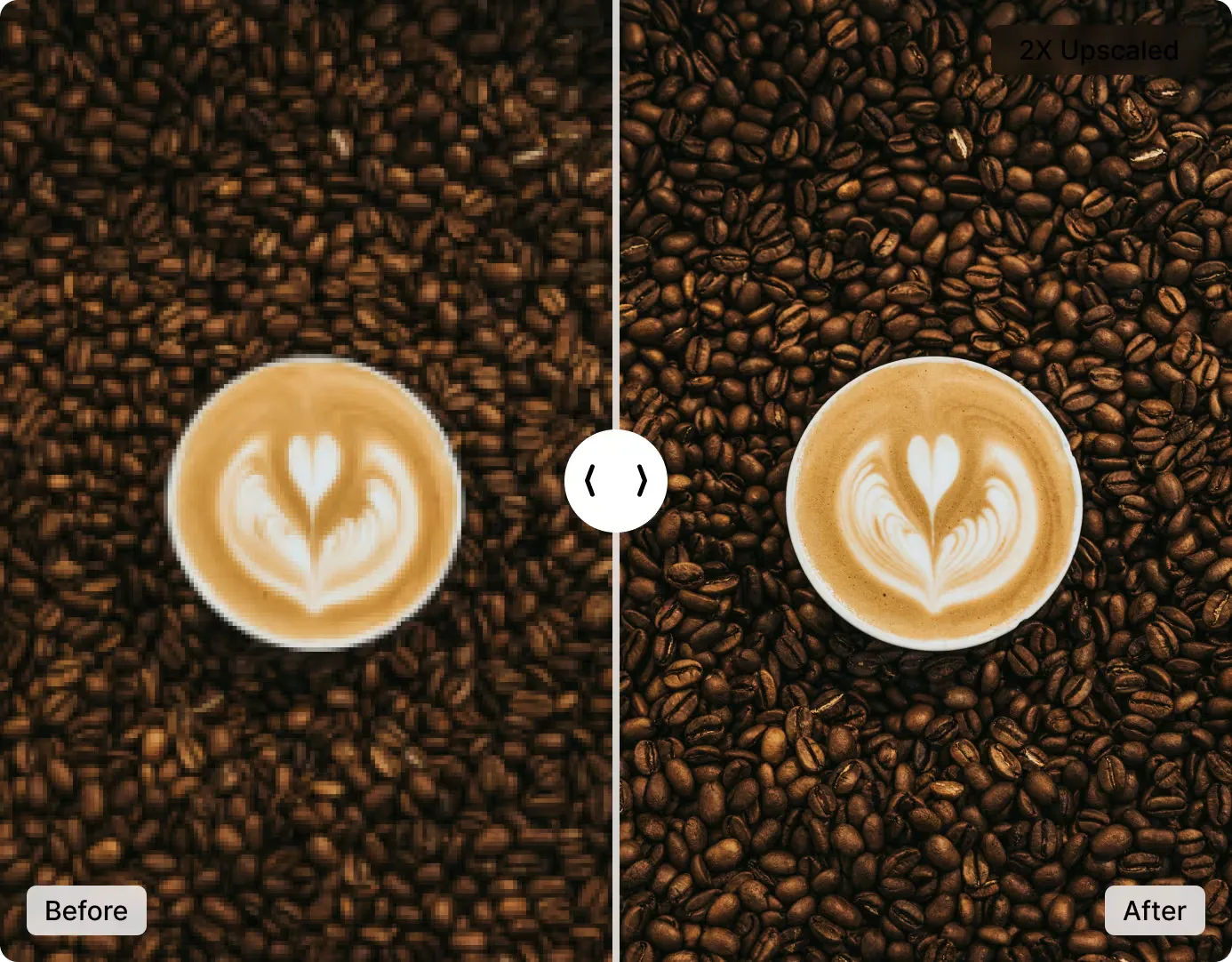
AI-Powered HD Enhancement
Our advanced AI doesn't just upscale — it intelligently reconstructs edges, textures, and fine details to deliver true high-definition quality.
Enjoy natural, realistic results that look like your photos were captured in HD from the start. No skills, no software, no cost.
Convert to HD NowThree HD Output Levels — HD, Full HD, 4K
Pick the quality that fits your use case. Switch levels without re-uploading.
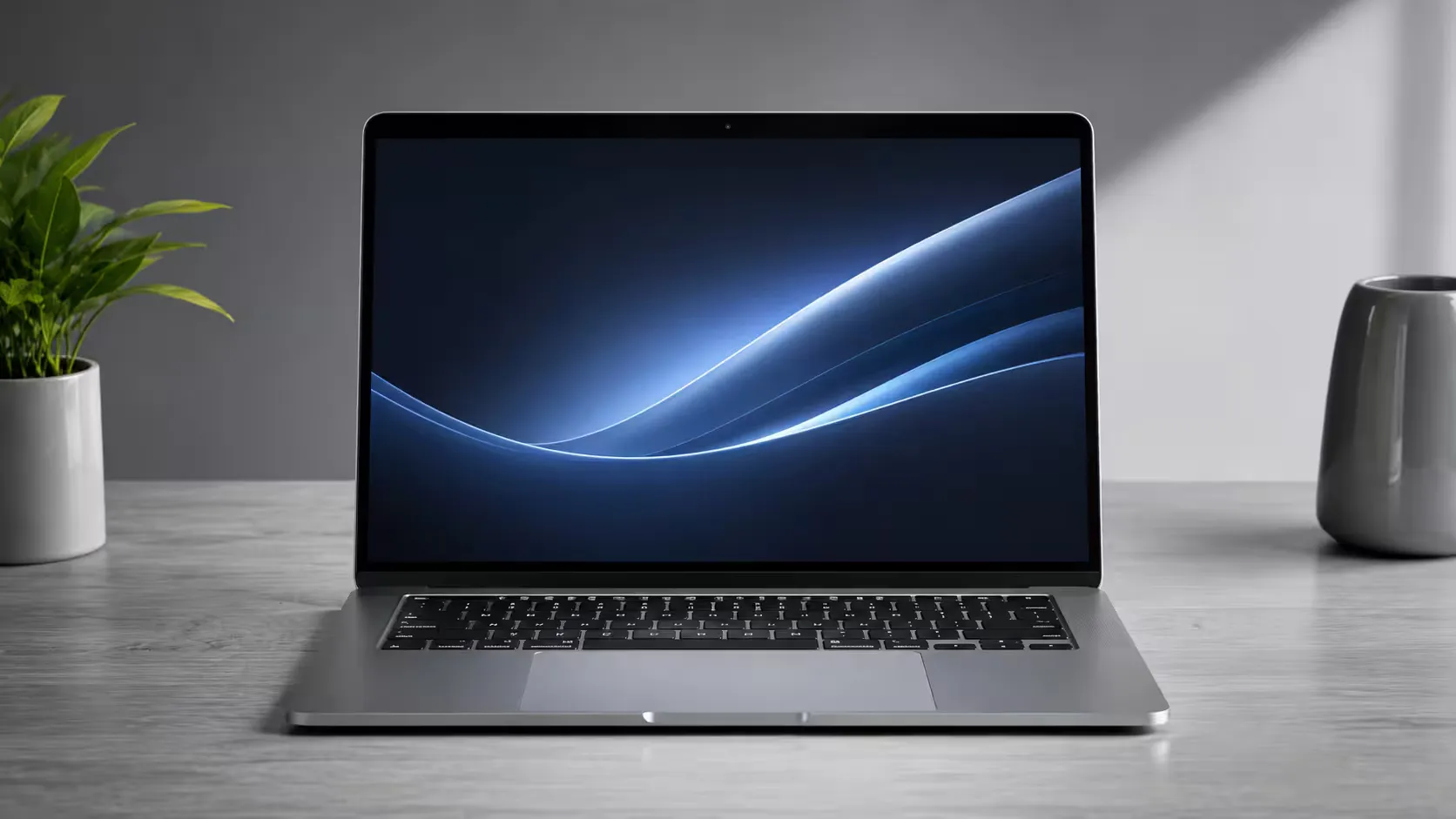
HD
Perfect for social media posts, web content, and everyday sharing. Fast processing with a significant quality boost over the original.
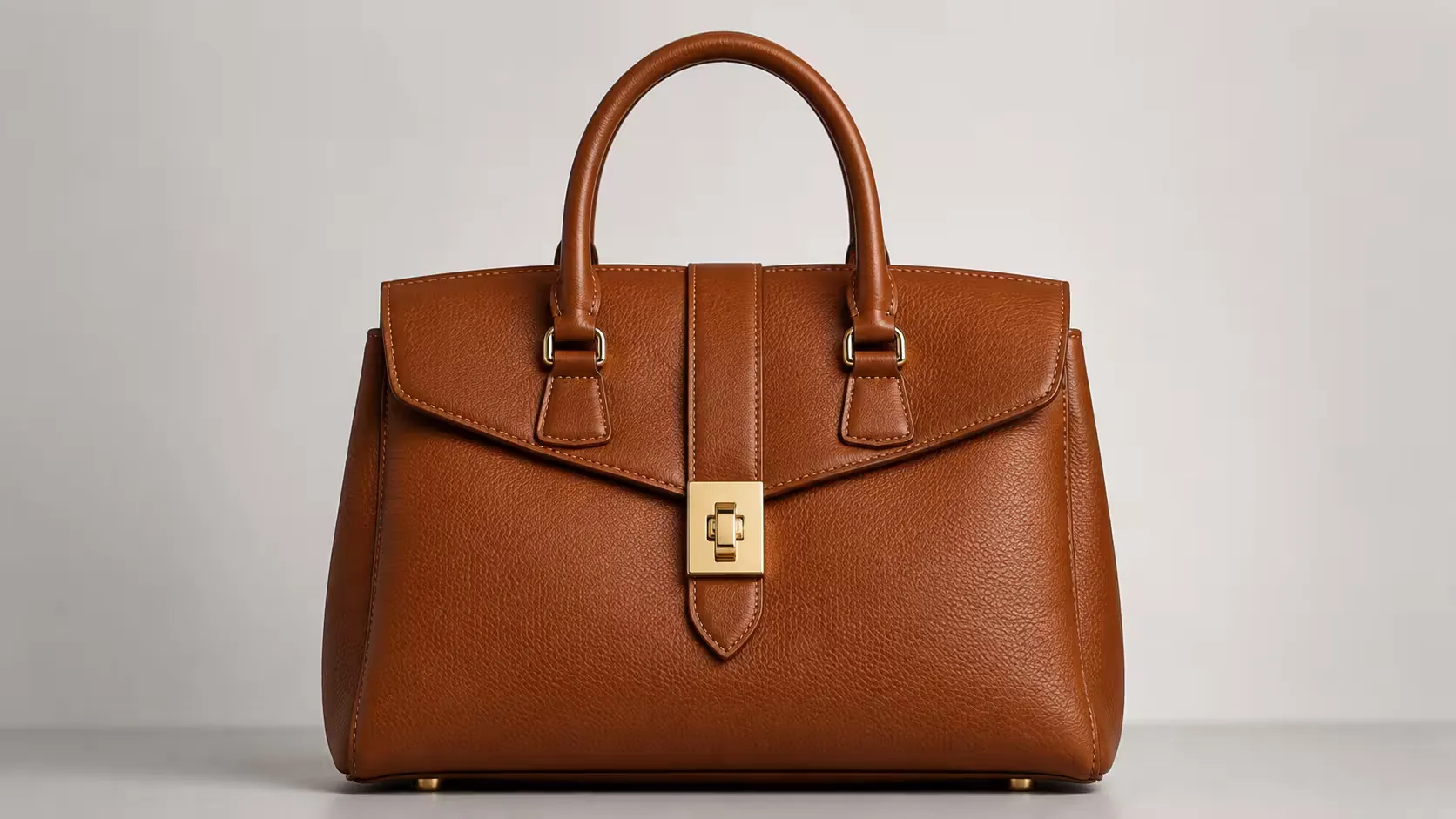
Full HD
The best all-round choice for most use cases. Ideal for presentations, printed materials, and larger digital displays.
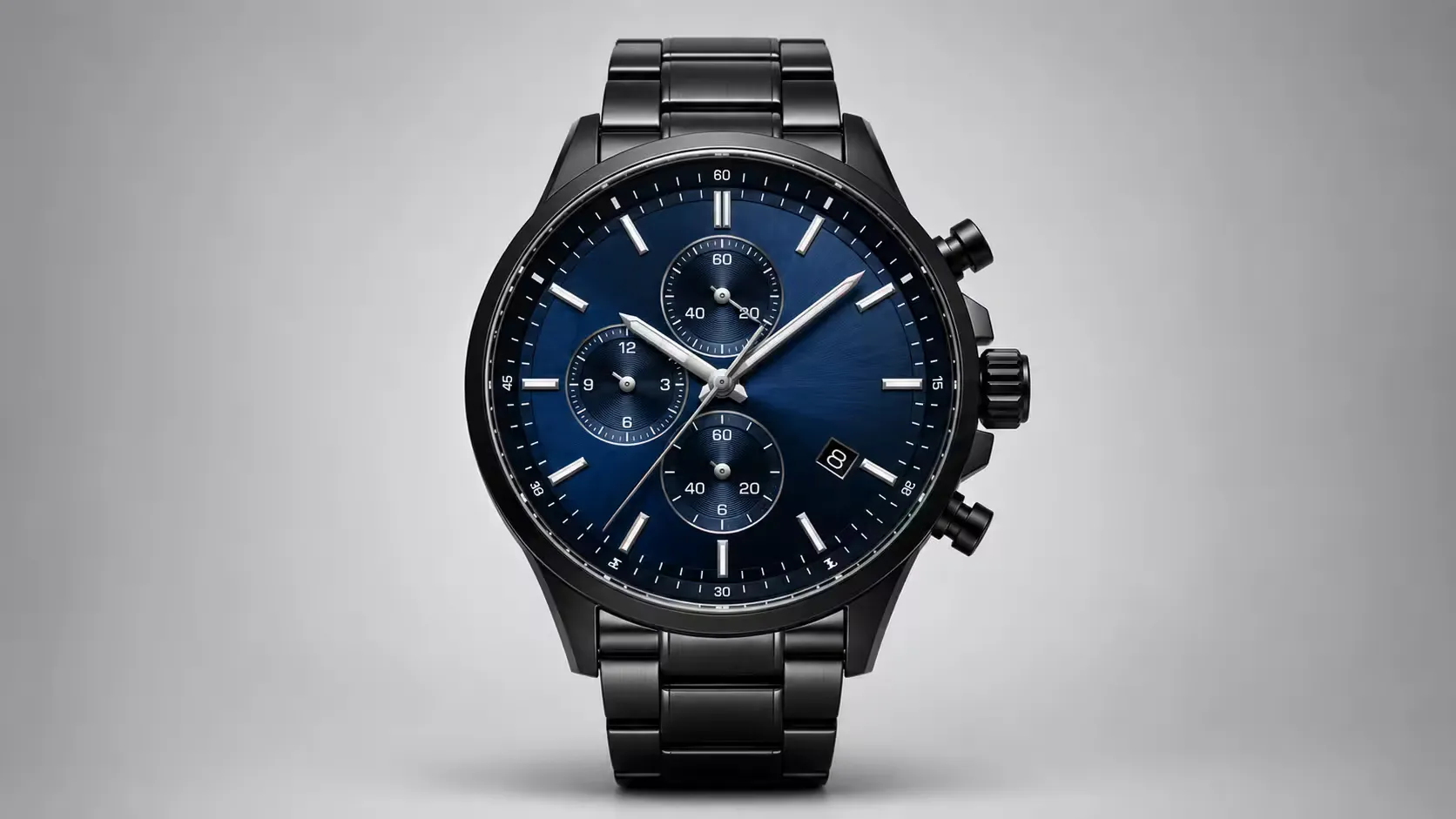
4K
Maximum output quality for large-format printing, professional photography workflows, and ultra-high-resolution displays.
3 Steps to Convert a Photo to HD Online
Turn any image into high definition in just a few simple steps — no software, no account needed.
Upload Your Image
Upload your low-quality photo — JPG, PNG, or WEBP files up to 10 MB.
AI Converts to HD
Our AI boosts the resolution and sharpens detail to deliver crisp, high-definition quality automatically.
Download Your HD Photo
Download your stunning HD image in high quality. It's that simple!
Who Should Use an AI HD Photo Convertor?
HD conversion works for a wide range of photos and workflows — all handled with a single upload.
Old & Scanned Photos
Digitized prints and archival photos often have limited resolution. AI HD conversion restores face detail and fine texture, making memories worth displaying again.
E-commerce Product Images
Low-res supplier images hurt conversion rates. Convert product photos to HD before listing to present inventory at its sharpest without a professional reshoot.
Social Media Content
Photos downloaded as small previews or compressed by social platforms can be converted to HD and reposted at full quality for a sharper look.
Prints & Large Format
Printing a low-resolution image results in blurry, pixelated output. Convert to Full HD or 4K to ensure sharp, professional-quality prints at any size.
Presentations & Reports
Blurry images in slides or documents undermine credibility. Convert photos to HD for crisp visuals that look professional on any screen or projector.
Creative & Design Work
Start with a low-res reference image and convert it to HD as a base for compositing, retouching, or further creative work in your preferred design tool.
HD Photo Convertor API for Developers
Integrate ImgGen's HD Photo Convertor API into any product pipeline, mobile app, or image processing platform. Send an image URL and a quality level; get back a crisp, high-definition PNG in one REST call.
Suitable for bulk photo enhancement, automated content pipelines, or real-time quality improvement in mobile apps. No computer vision library required.
Get API KeyIs the AI HD Photo Convertor Free?
Yes — ImgGen AI HD Photo Convertor is completely free to use. Upload any JPG, PNG, or WEBP image up to 10 MB, select your output quality (HD, Full HD, or 4K), and download the result with no watermark and no account required.
Pro and Enterprise plans are available for users who need unlimited daily generations, batch processing via API, and priority queue access. The free tier is unrestricted for individual use — no credit card required to start. See the ImgGen pricing page for a full plan comparison.
AI HD Photo Convertor vs. Topaz Gigapixel vs. Photoshop: Which Should You Use?
AI HD conversion, dedicated upscaling apps, and manual Photoshop enhancement each suit different workflows. Here is a direct comparison.
| Feature | ImgGen AI HD Convertor | Topaz Gigapixel AI | Photoshop Super Res |
|---|---|---|---|
| Price | Free (no account needed) | $99/year subscription | $9.99–$20.99/month (Adobe CC) |
| Processing time | < 10 seconds | 30 sec – 5 min (local GPU) | 10–60 seconds |
| Output levels | HD, Full HD, 4K (one click) | 2×, 4×, 6× scale | 2× only (Super Resolution) |
| Skill required | None — upload and click | Low — basic settings | Intermediate |
| Works on mobile | Yes (browser-based) | No (desktop app only) | Limited (Lightroom Mobile) |
| AI detail reconstruction | Yes — edges, textures, fine detail | Yes — deep learning upscaling | Yes — machine learning filters |
| Batch processing | Yes (via API) | Yes (built-in batch) | Scripted via Actions only |
| No software install | Yes — runs in browser | No — desktop install required | No — CC install required |
| Best for | Quick fixes, social media, product photos | Professional photographers, print output | Users already in the Adobe ecosystem |
For most users — creators, marketers, and casual photographers — ImgGen AI is the fastest and cheapest option. Topaz Gigapixel AI remains the best choice for professional photographers who need maximum print-resolution output. Photoshop is ideal for users already in the Adobe ecosystem who want Super Resolution as part of a broader editing workflow.
Common Questions About HD Photo Conversion
How do I make a photo HD quality online?
Upload it to an AI HD photo convertor like ImgGen. The AI analyzes the image and reconstructs edges, textures, and fine detail — boosting it to HD, Full HD, or 4K quality in under 10 seconds. No software, no sign-up required.
Can I convert an image to 4K for free?
Yes. ImgGen's AI HD Photo Convertor includes a 4K output option at no cost. Upload any JPG, PNG, or WEBP image and select the 4K level. The AI upscales and reconstructs detail to ultra-high resolution — free, no watermark.
Does converting a photo to HD improve quality?
AI-powered HD conversion genuinely improves visual quality by reconstructing edges and textures rather than just stretching pixels. The result is sharper detail, better clarity, and higher resolution — noticeably better than standard bicubic upscaling.
What is the difference between HD and upscaling?
Standard upscaling enlarges the pixel grid and fills gaps by averaging nearby pixels — producing a soft, blurry result. AI HD conversion reconstructs the actual detail that was missing, using machine learning models trained on millions of image pairs.
How do I increase image resolution without losing quality?
Use an AI-based HD converter. AI models reconstruct detail rather than just enlarging existing pixels. ImgGen's tool boosts resolution to HD, Full HD, or 4K while preserving — and recovering — natural sharpness and texture.
Can I convert a blurry photo to HD?
For blurry images, use ImgGen's AI Unblur Image tool first to sharpen motion blur or lens blur, then convert to HD for resolution enhancement. The two tools work well together for heavily degraded photos.
Is it safe to upload photos to an online HD converter?
ImgGen uses HTTPS encryption for all transfers and automatically deletes uploaded images after conversion. No account is required, and your photos are never stored, shared, or used to train AI models.
Can I convert a photo to HD without losing the original?
Yes. ImgGen returns a new HD file as your download — your original image is never modified. You keep the source and receive the enhanced version separately.
Your Photos Stay Private
ImgGen processes your images securely and never stores, shares, or trains on them.
Deleted After Processing
Your uploaded photo is automatically removed from our servers as soon as the HD conversion is complete. Nothing is retained.
Never Used for AI Training
We do not use your images to train models, improve algorithms, or share data with third parties. Your photos are yours alone.
Secure HTTPS Transfer
Every upload and download is encrypted in transit over HTTPS. Your image never travels over an unsecured connection.
No Account Required
Convert photos to HD without creating an account or providing any personal information. Completely anonymous — just upload and download.
Convert Photos to HD on Any Device
No app download, no software install. ImgGen's AI HD converter runs entirely in your browser — on any device, any operating system.
- iPhone & iPad (Safari, Chrome)
- Android phones & tablets
- Windows PC & Mac
- Chromebook & Linux
Browser-based
No install required
Mobile-friendly
Works on any screen size
< 10s
Average conversion time
10 MB limit
JPG · PNG · WEBP
More Tools for Your Creativity
Discover more AI-powered tools to enhance your creative process.