What Is an AI Image Unpixelator?
An AI image unpixelator (also called a depixelator) is a tool that uses machine learning to remove pixelation from low-quality photos. Unlike blur or sharpening filters, it analyzes blocky pixel patterns and reconstructs missing edges, textures, and fine detail — producing results that look naturally captured in high resolution.
Pixelated images appear in old photos, screenshots, heavily compressed files, and images scaled down then enlarged. Traditional tools blur pixels together but can't recover actual detail. ImgGen's AI unpixelate tool rebuilds what was lost — upload your photo and download a crisp result in seconds. For blurry (not pixelated) images, try theAI Unblur Imagetool. To enlarge images at high quality, see theAI Image Upscaler.
< 10s
1-Click
100% free
How to Unpixelate an Image Online — Quick Answer
To unpixelate an image online for free: go to imggen.ai/tools/unpixelate-image, upload your JPG, PNG, or WEBP photo (up to 10 MB), and download the crisp result. No account required. The AI removes pixelation and reconstructs sharp detail in under 10 seconds.
What Causes Image Pixelation?
Image pixelation occurs when a low-resolution image is enlarged beyond its native pixel count — the display algorithm fills in missing data by repeating existing pixels, producing visible blocky squares. Compression artifacts, aggressive JPEG encoding, and screenshots taken at reduced resolution all cause the same blocky, distorted effect.
Upscaling
Enlarging a low-res image stretches existing pixels, making individual squares visible.
JPEG compression
High compression ratios introduce 8×8 pixel block artifacts, especially in color gradients.
Screenshot at low DPI
Screenshots captured on low-resolution displays embed a fixed, limited pixel grid.
Video frame extraction
Still frames grabbed from compressed video inherit the codec's block-based compression artifacts.
Crisp, Sharp Results from Pixelated Photos
From old screenshots to downscaled images, restore quality without any editing skills.
Remove Blocky Pixelation
Blocky, low-resolution images are no match for our AI. It detects and removes pixelation while reconstructing edges and fine detail.
Rebuild Lost Detail
Our AI goes beyond smoothing — it intelligently rebuilds textures, edges, and fine structures that were lost to low resolution.
One-Click Sharpening
No sliders, no manual settings. Upload your pixelated photo and the AI delivers a sharp, clear result in seconds — completely free.
Pixelated vs. Blurry — Which Problem Do You Have?
Pixelation and blur look different and require different fixes. Pixelated images show visible square blocks — individual pixels or 8×8 compression blocks are apparent. Blurry images look smeared or soft, with no visible block structure. Using the wrong tool on the wrong problem produces poor results.
▦ Your image is pixelated if…
- You see distinct square blocks or a mosaic pattern
- It was compressed with high JPEG quality reduction
- It was enlarged beyond its original resolution
- It's a screenshot from a low-resolution display
- It came from a video frame extracted at low quality
→ Use this tool:AI Unpixelate Image
〰 Your image is blurry if…
- Edges look soft or smeared without block structure
- There was camera shake or subject motion during capture
- The subject was out of focus
- A Gaussian blur filter was applied
- The image was downsized with bicubic smoothing
→ Use this tool:AI Unblur Image
How to Fix Pixelated Photos — No Software Required
Low-resolution images full of blocky pixels can ruin a great shot. Our AI unpixelator reconstructs the missing detail, turning fuzzy, distorted pictures into clear, sharp images.
Perfect for old photos, screenshots, and downscaled images — recover quality without any complicated editing software.
Unpixelate an Image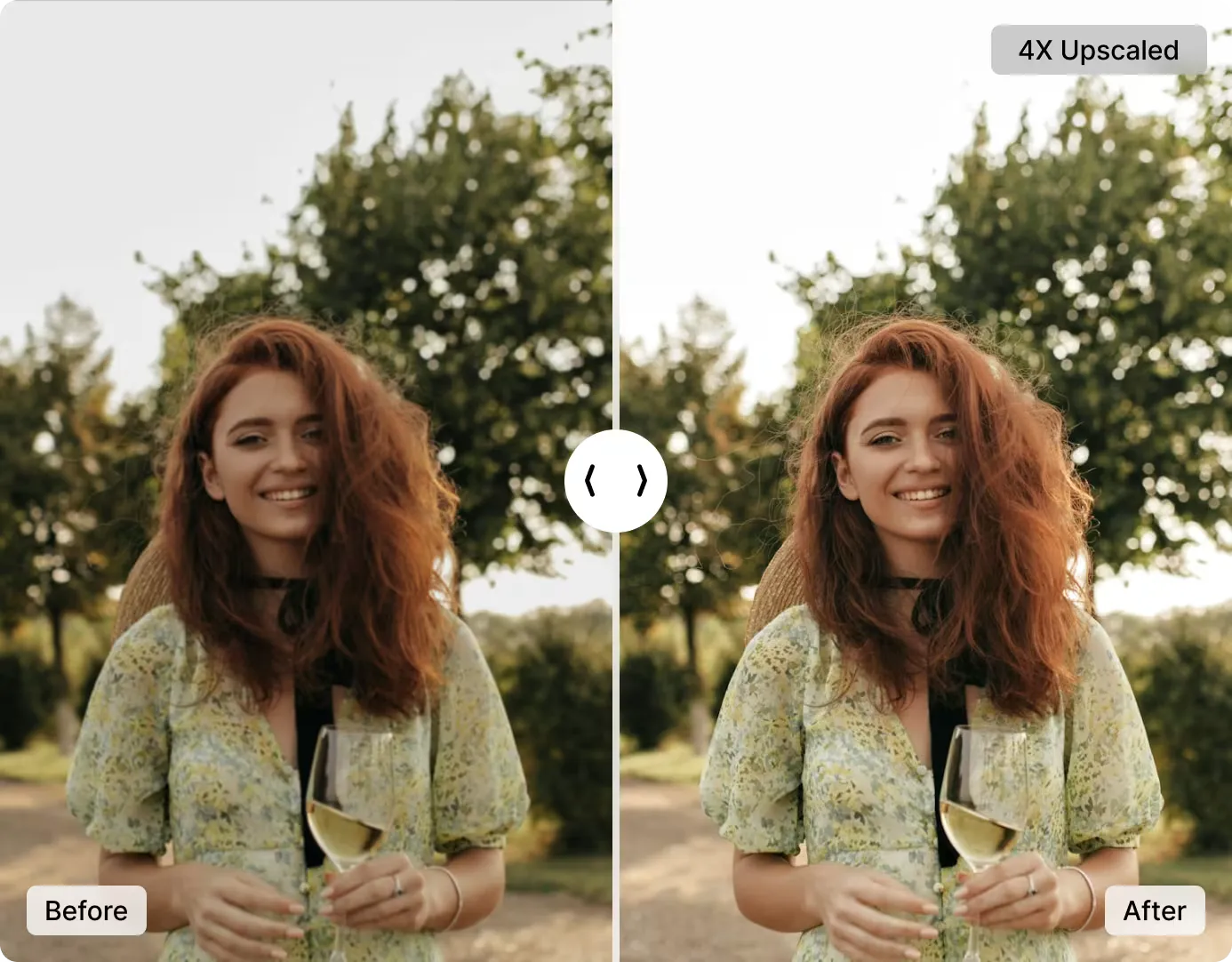
How AI Reconstructs Detail from Pixelated Images
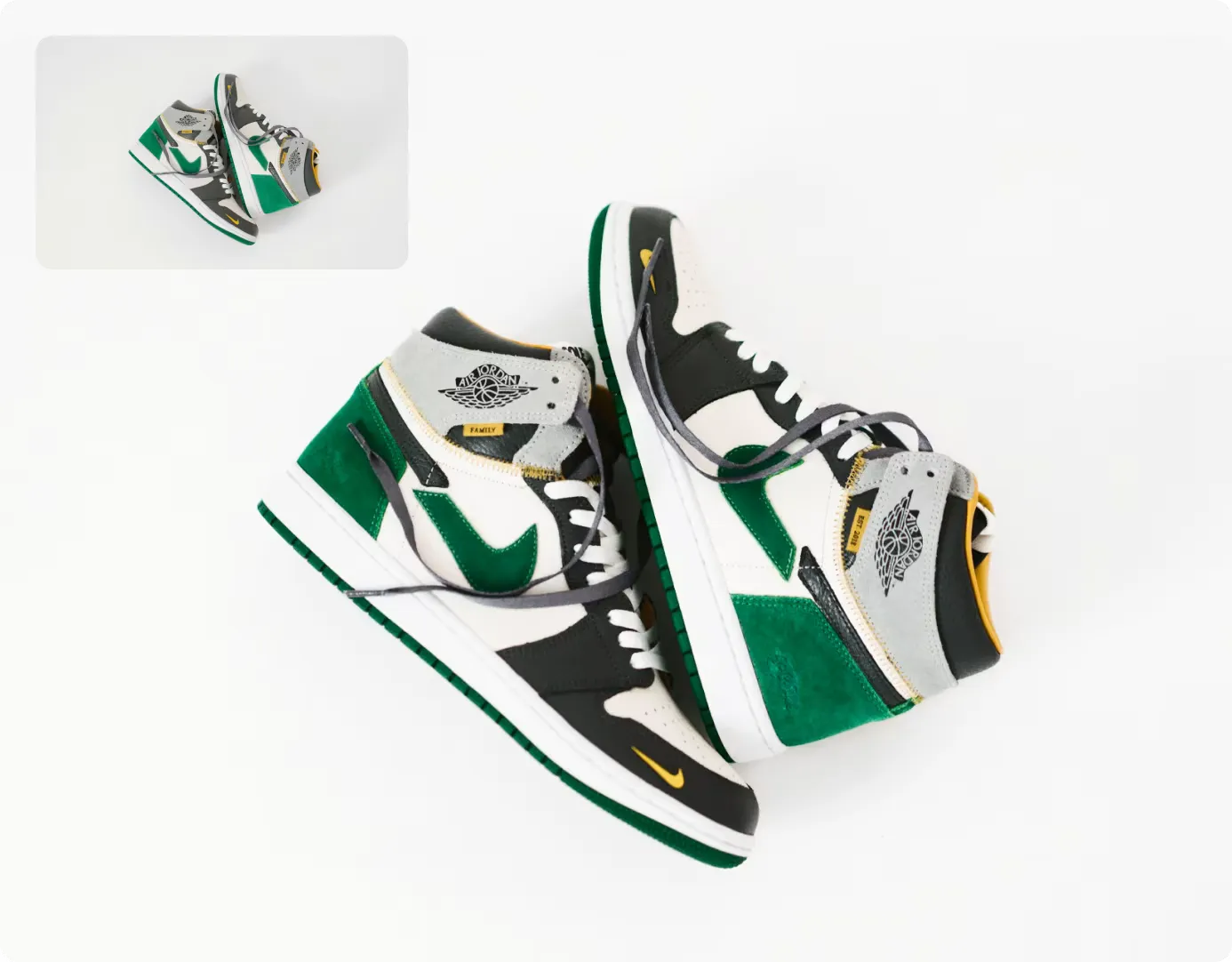
Our advanced AI doesn't just smooth out pixels — it intelligently rebuilds edges, textures, and fine details that were lost to low resolution.
Get natural, realistic results that look like the photo was captured in high quality from the start. No skills, no software, no cost.
Unpixelate NowAI Unpixelator vs. Manual Sharpening: Which Should You Use?
AI unpixelation and manual Photoshop sharpening serve different needs. Here is a direct comparison.
| Feature | ImgGen AI Unpixelator | Photoshop / Manual Sharpening |
|---|---|---|
| Time to fix | < 10 seconds | 10–30 minutes (smart sharpen, unsharp mask, channels) |
| Skill required | None — upload and click | Intermediate to advanced |
| Cost | Free (no account needed) | $9.99–$20.99/month Adobe subscription |
| Processing mode | Fully automatic (AI-driven) | Manual only — requires technique and experience |
| Actual detail recovery | AI reconstructs real edges and textures | Sharpening enhances contrast, does not recover lost data |
| Batch processing | Yes (via API) | Scripting only (Actions / presets) |
| Works on mobile | Yes (browser-based) | Limited (Lightroom Mobile) |
| Best for | Quick fixes, social media, recovering old/compressed images | Professional photographers needing pixel-level control |
For most users — social media creators, bloggers, and casual photographers — AI unpixelation is the faster, cheaper, and more effective choice. Photoshop remains better for professionals who need fine-grained, localized control over every pixel.
Unpixelate Image API for Developers
Integrate ImgGen's Unpixelate API into any product pipeline, mobile app, or image processing platform. Send an image URL; get back a crisp, high-quality PNG in one REST call.
The API handles all processing server-side — no computer vision library required. Suitable for bulk photo enhancement, automated content pipelines, or real-time quality improvement in mobile apps.
Get API Key3 Steps to Fix a Pixelated Image Online
From upload to crisp download in under 60 seconds — no account required.
Upload Your Image
Upload your pixelated photo — JPG, PNG, or WEBP files up to 10 MB.
AI Removes the Pixelation
Our AI analyzes the image, removes blocky pixels, and reconstructs sharp detail automatically.
Download Your Clear Image
Download your crisp, unpixelated photo in high quality. It's that simple!
Is the AI Unpixelate Tool Free?
Yes — ImgGen AI Unpixelate is completely free to use. Upload any JPG, PNG, or WEBP image up to 10 MB and download the result with no watermark and no account required. There are no hidden fees for the core unpixelation feature.
Pro and Enterprise plans are available for users who need unlimited daily generations, batch processing via API, and priority queue access. The free tier is unrestricted for individual use — no credit card required to start. See theImgGen pricing pagefor a full plan comparison.
Who Should Use an AI Image Unpixelator?
AI depixelation works for a wide range of images and use cases — all handled with the same one-click upload.
Old & Scanned Photos
Digitized prints and archival photos often have limited resolution. AI reconstruction recovers face detail and fine texture that scanning alone can't restore.
Screenshots & Screen Recordings
Screenshots captured at low resolution or from compressed video frames carry heavy pixel artifacts. Unpixelation makes text, UI elements, and faces legible again.
E-commerce Product Images
Low-res supplier images hurt conversion rates. Unpixelate product photos before listing to present inventory at its sharpest without a professional reshoot.
Social Media & Thumbnails
Images compressed by social platforms or downloaded as small previews can be depixelated and reposted at full quality.
Pixel Art & 8-Bit Images
Want to convert intentionally pixelated or retro 8-bit art into a smooth illustration? AI unpixelation can smooth the blocks while preserving the composition.
Document & ID Scans
Low-resolution document scans where text is blocky or logos are unreadable benefit from AI reconstruction, improving legibility for review or archiving.
Fix a Pixelated Face
The most searched unpixelation use case. AI reconstructs skin texture, eye detail, and hair from blocky portrait data — ideal for profile photos, scanned ID pictures, and video frame extractions where faces appear blotchy or mosaic-blurred.
More AI Image Tools
Discover more free AI-powered tools to enhance your photos.